Case study · Selvedge denim and workwear · fictional brand
Ostrel: a denim store that answers the size question before the bag
Denim buyers worry about fit above everything: waists run differently between brands, rigid denim stretches and unsanforized denim shrinks. Ostrel is a fictional brand built around a fit guide that reads its numbers from Shopify metaobjects, so the merchant maintains measurements in the admin rather than in images.
Most denim stores answer sizing with a static chart image or a separate page. Shoppers leave the product page to find it, and a chart image can’t be read by a screen reader or updated without a designer.
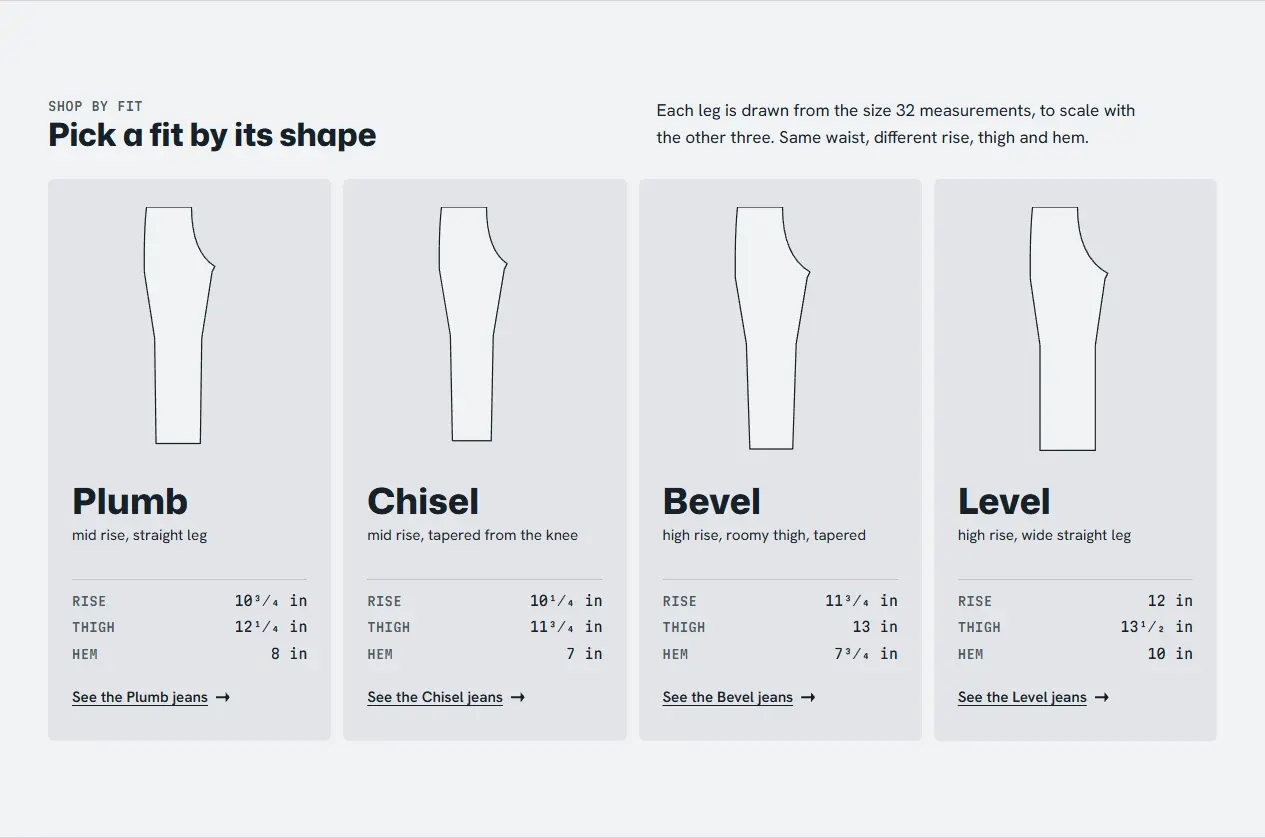
The brief for this store put the fit guide on the product page: waist by inseam, how the cut compares with the other fits, and what happens in the first soak. Every number comes from a fit_profile metaobject linked to the product, so one edit in the admin updates every jean in that fit.
The design brief, nine competitor screenshots and the critic’s pick of the "Cutting Mat" direction are in the project repository.
Custom sections, and what the merchant can edit
Each settings list on the right is generated from that section's {% schema %}, so it is exactly what a merchant sees in Shopify's theme editor.
Size and fit guide
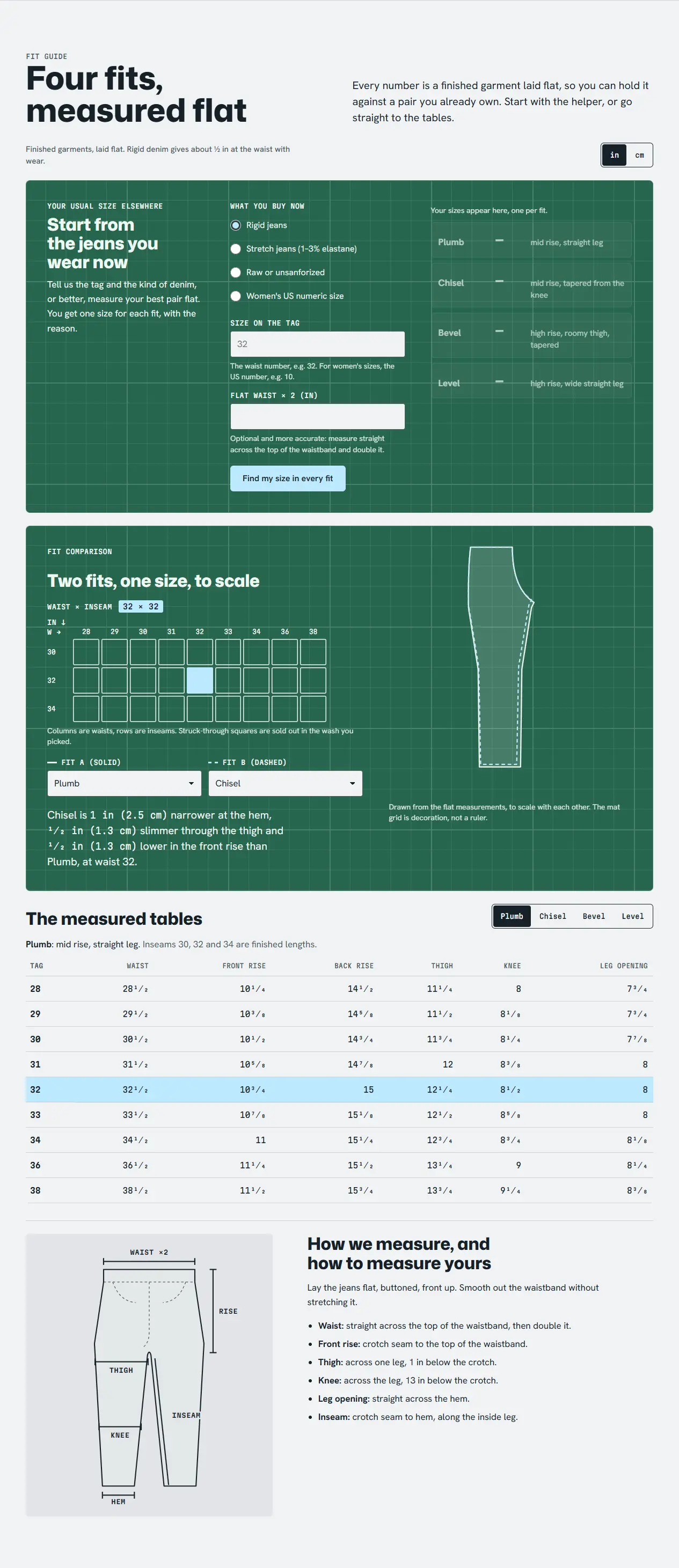
The main reason denim shoppers hesitate. The guide shows flat measurements per waist and inseam, compares the cut against the other fits, and states expected shrinkage for unsanforized fabric.
Measurements come from the product’s fit profile metaobject, so the table is real HTML: readable at 375 px, by screen readers, and by search engines. The "your usual size elsewhere" helper converts a measured waist into this cut’s size without naming other brands.
Headings, which panels show and the units are settings; the measurements live in the admin as metaobjects.
Fade slider
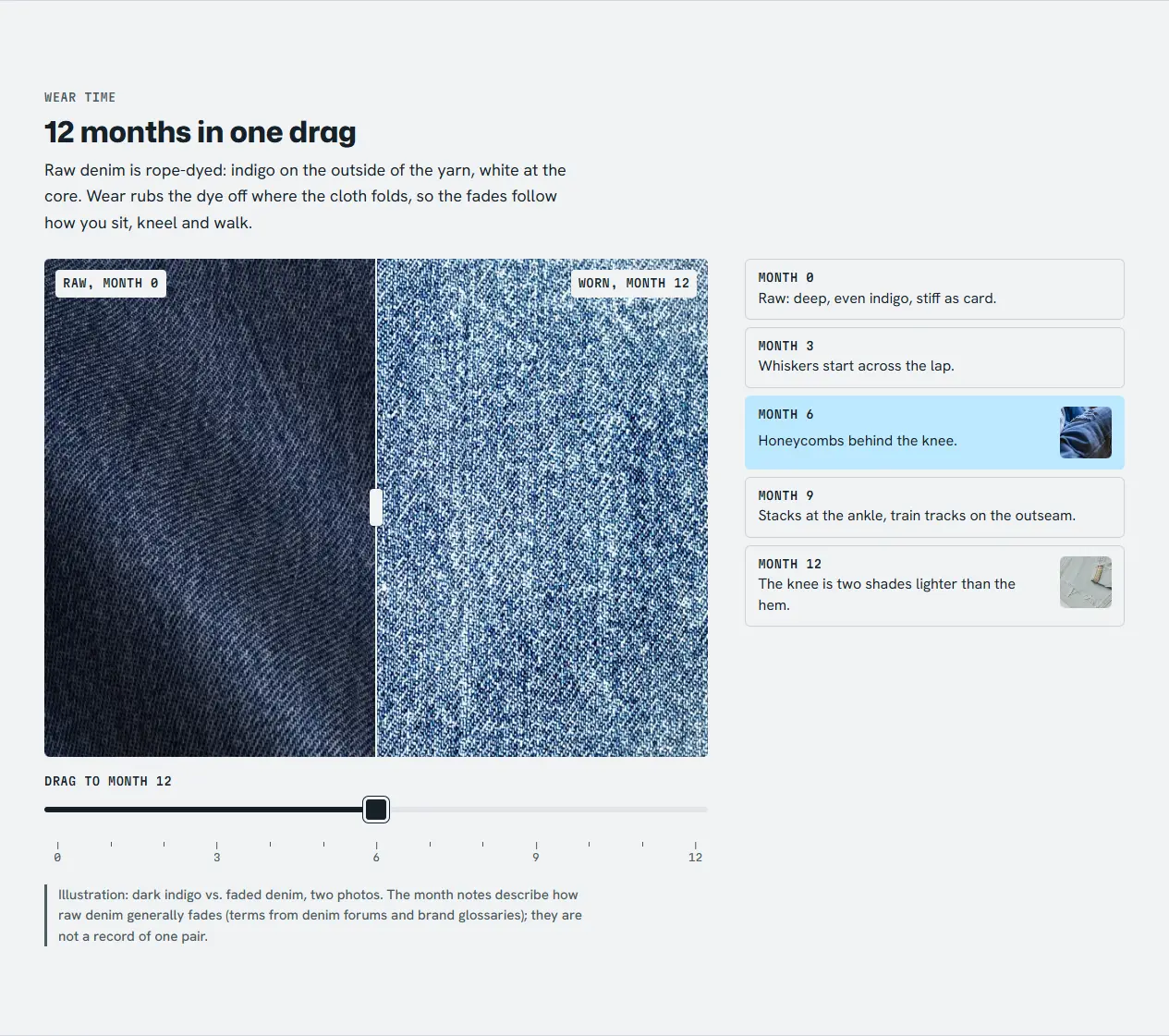
Raw denim buyers buy into how a pair will age. The slider moves from raw indigo to worn, with a note at each month tick.
A native range input drives the clip and snaps to month ticks; arrow keys move one month. It is captioned as an illustration of two photos, because the brand is fictional.
Rendered from sections/ostrel-fade-slider.liquid in the preview harness. Try fade slider live
Fade slider11 settings, 1 block types
Small labeltext
Headingtext
Introrichtext
Before photo (left, month 0)image_picker
Before labeltext
After photo (right, month 12)image_picker
After labeltext
Slider labeltext
Starting monthrange
Captioninline_richtext
Narrower photo (for product pages)checkbox
Block: Month note4 settings
The image pair and every month note are blocks the merchant edits.
Shoppable lookbook
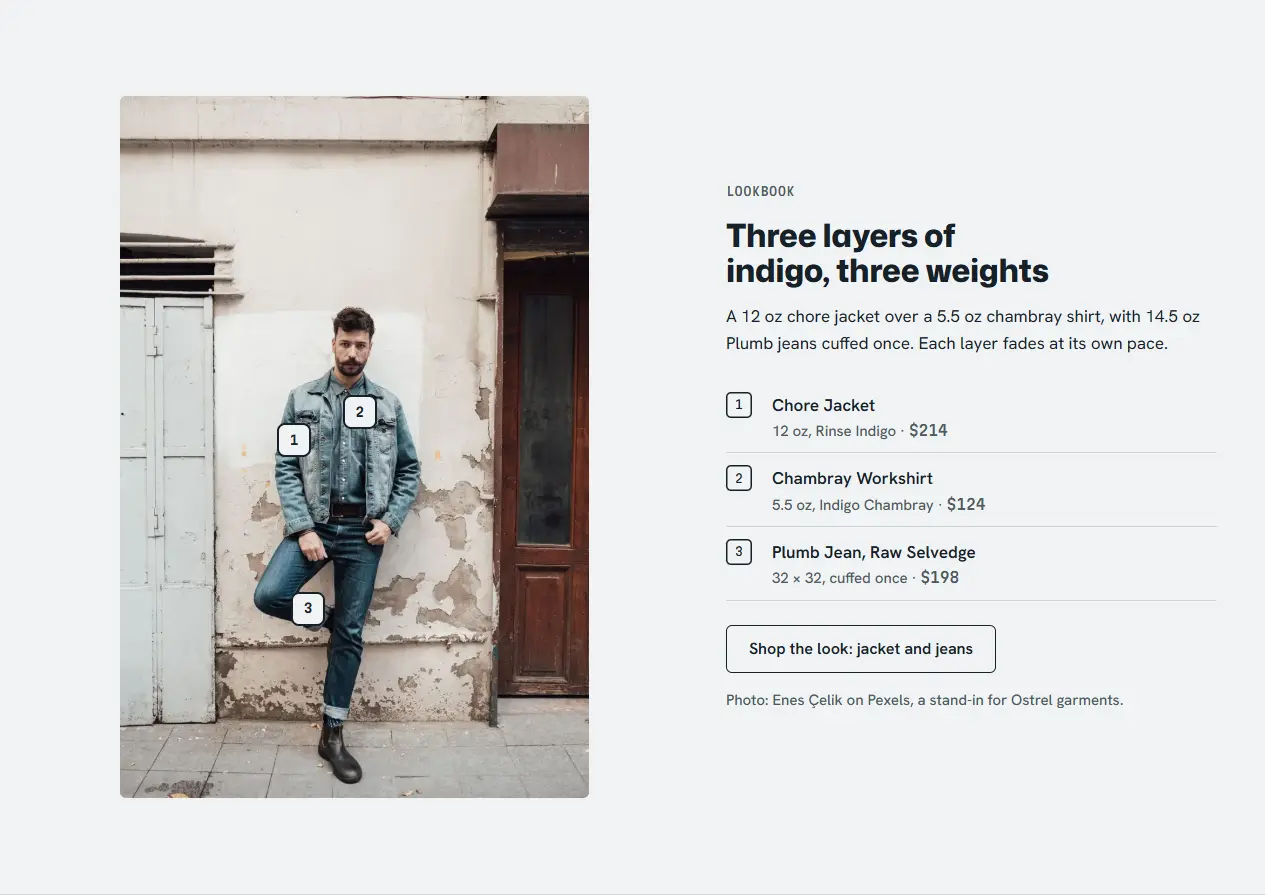
Turns an editorial photo into a way to shop the outfit, a common request from fashion merchants.
Each hotspot is a block with x/y position and a product setting. Hotspots are buttons with popovers that close on Escape and link to the product page.
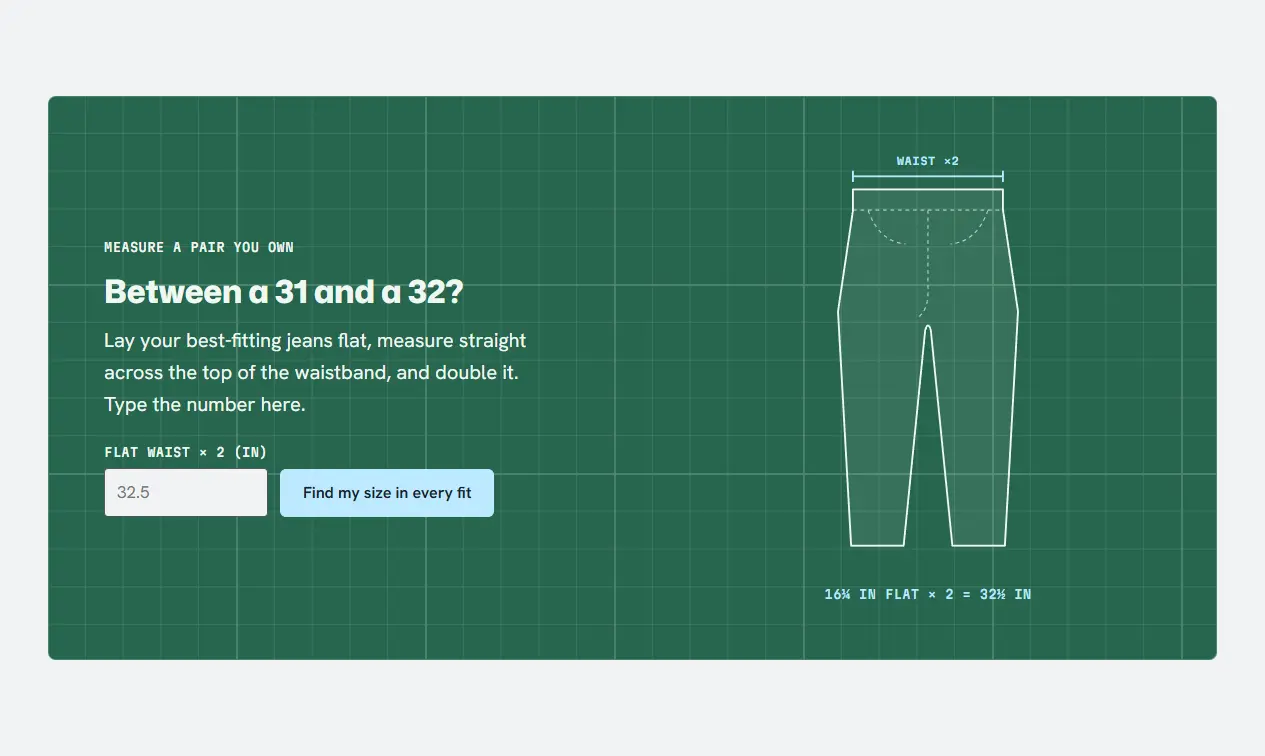
Puts the free chain-stitched hem and the measuring method on the home page, where shoppers worry about length.
A content section with measurement steps as blocks and numerals set in the theme’s mono face.
Rendered from sections/ostrel-measure-band.liquid in the preview harness. Try measure band live
Measure band6 settings
Small labeltext
Headingtext
Textrichtext
Button labeltext
Fit guide pagepage
Note under the drawingtext
Every step, heading and link is editable.
Before and after: against Shopify's default theme
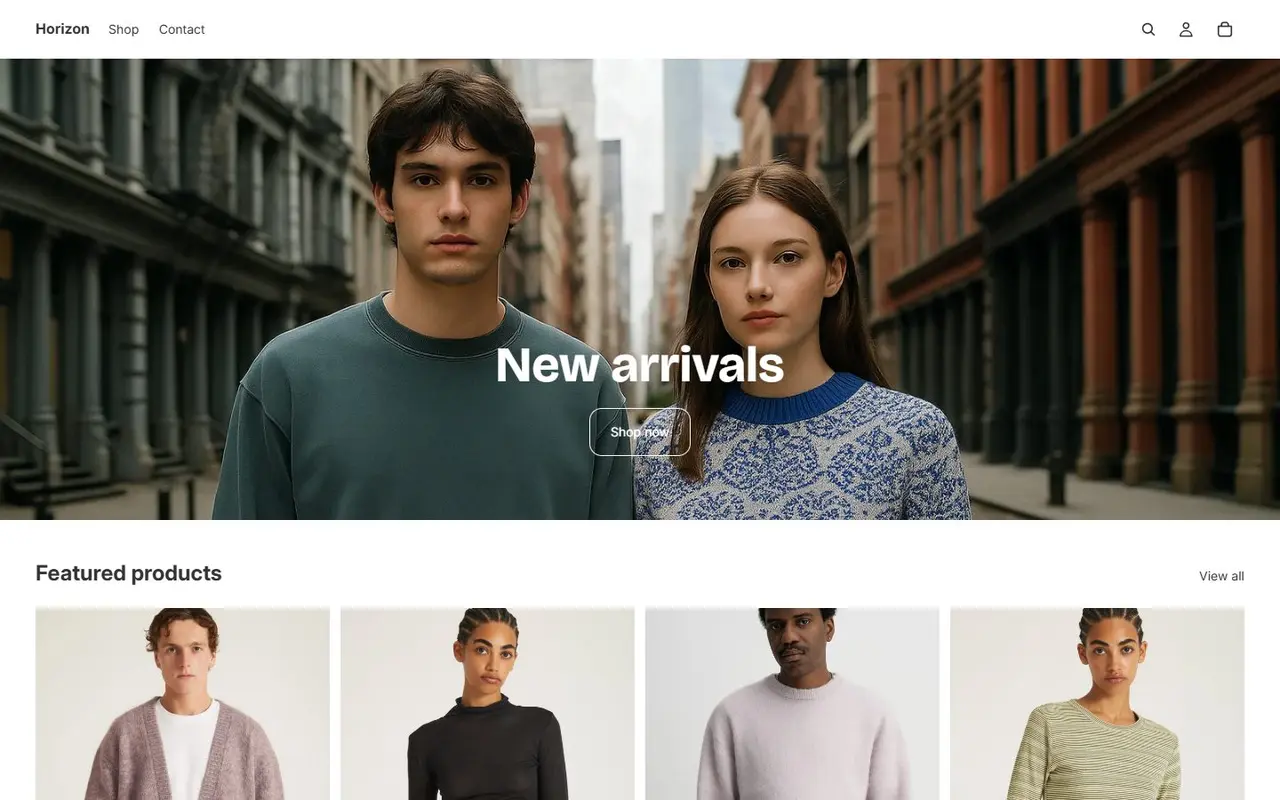
The baseline is Horizon, Shopify’s current flagship theme, on its public demo store. Out of the box, a denim merchant gets one dropdown per option, which becomes a long list for waist by inseam, a size chart only if they paste an image into the description, and no fade or lookbook sections. The custom work here is the fit data model and the product page built around it.
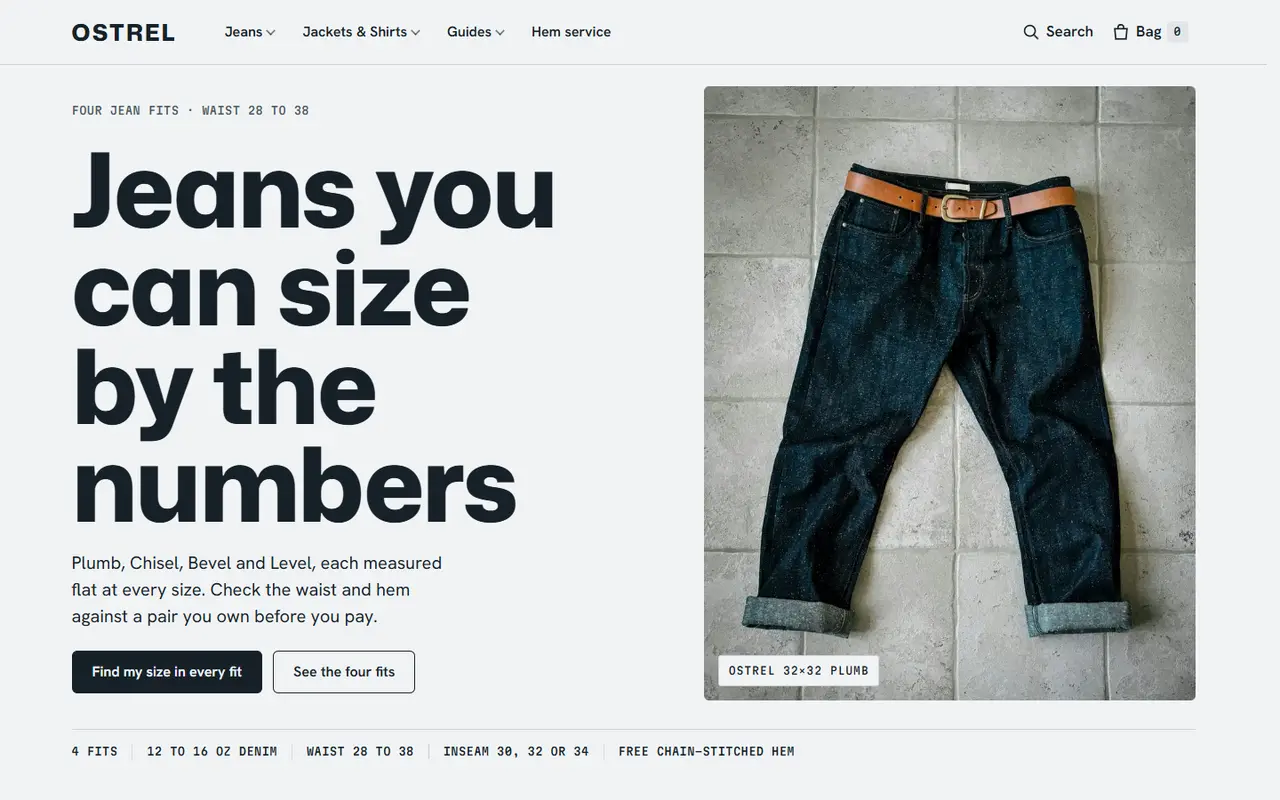
Before: Shopify’s Horizon demo store, first screen at 1440 px (captured 2026-11-22).After: the Ostrel theme, first screen at 1440 px, rendered by the preview harness.
Scores
0Theme Check errors (0 warnings, 63 files)
97Lighthouse mobile performance, average
100Lighthouse accessibility, average
0Theme Check errors after dropping the portable sections into Horizon
–KB of custom JavaScript in the whole theme, unminified
Lighthouse mobile results per page
Page
Perf.
A11y
Best pr.
SEO
LCP
CLS
/ostrel
92
100
100
100
3.2 s
0.016
/ostrel/products/plumb-jean-raw-selvedge
94
100
100
100
3.1 s
0.016
/ostrel/collections/jeans
99
100
100
100
2.0 s
0.034
/ostrel/pages/fit-guide
100
100
100
100
0.9 s
0.016
/ostrel/cart
100
100
100
100
0.9 s
0.001
Lighthouse 13 mobile, run against the static preview at localhost:4401 on 2026-11-22. A real Shopify store adds its own scripts (analytics, Shop Pay, apps), so expect lower numbers on a live store. The theme's share of the page weight is what these scores reflect.
What the preview leaves out
The collection fit filter uses links rather than Shopify’s storefront filtering, which needs a live store.
The fade slider pairs two different photos of dark and faded denim, and says so in its caption.
Checkout, customer accounts, search and the Section Rendering API are not part of the preview.
Ostrel and its fabrics are fictional. Sample reviews are marked as samples.