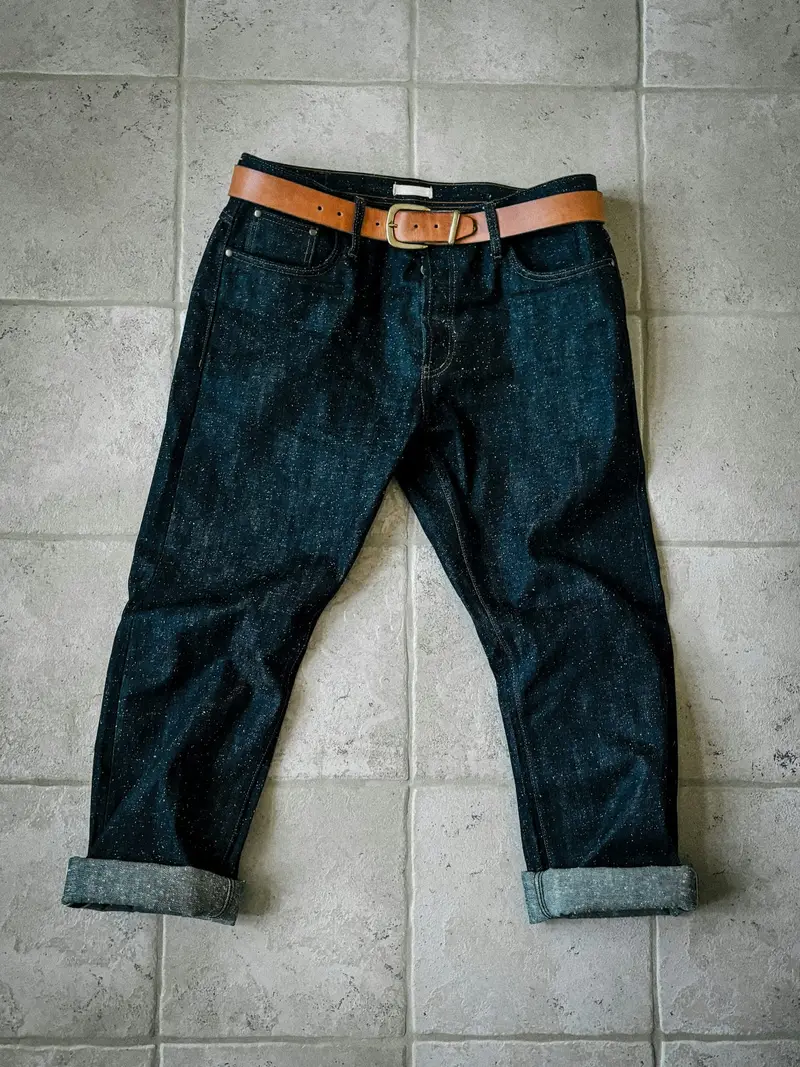
Plumb Jean, Raw Selvedge
Plumb · 14.5 oz Japanese selvedge denim
$198
Wash: Raw Indigo, One-Wash Indigo
Every section below is a real section of the Ostrel theme, rendered with the store's data, followed by what a merchant can change in the theme editor. The product page, collection grid and bag are template sections; open them from the store to see them with a product.
A photo on paper, never a carousel. The heading, buttons, the woven-label tag on the photo and the spec strip are all settings.
Files: sections/ostrel-hero.liquid
| Setting | Type | Notes |
|---|---|---|
| Small label | text | |
| Heading | textarea | Line breaks are kept. Name something specific: a fit, a number, a process. |
| Heading level | select | Keep H1 when the hero opens the page; use H2 if another section holds the page title. |
| Text | richtext | |
| Primary button label | text | |
| Primary button link | url | |
| Secondary button label | text | |
| Secondary button link | url | |
| Photo | image_picker | Loads first on the page; use a sharp product photo on a plain ground. |
| Photo description | text | |
| Woven label on the photo | text | Ostrel's only brand mark on the garment: the small label inside the waistband. |
| Set the photo on the cutting mat | checkbox | Frames the photo with the mat grid and chalk dimension lines. |
| Dimension across the top | text | |
| Dimension down the side | text | |
| Note under the photo | text | |
| Spec strip | textarea | One fact per line. Shown in a row under the hero. |
Four jean fits · waist 28 to 38
Plumb, Chisel, Bevel and Level, each measured flat at every size. Check the waist and hem against a pair you own before you pay.
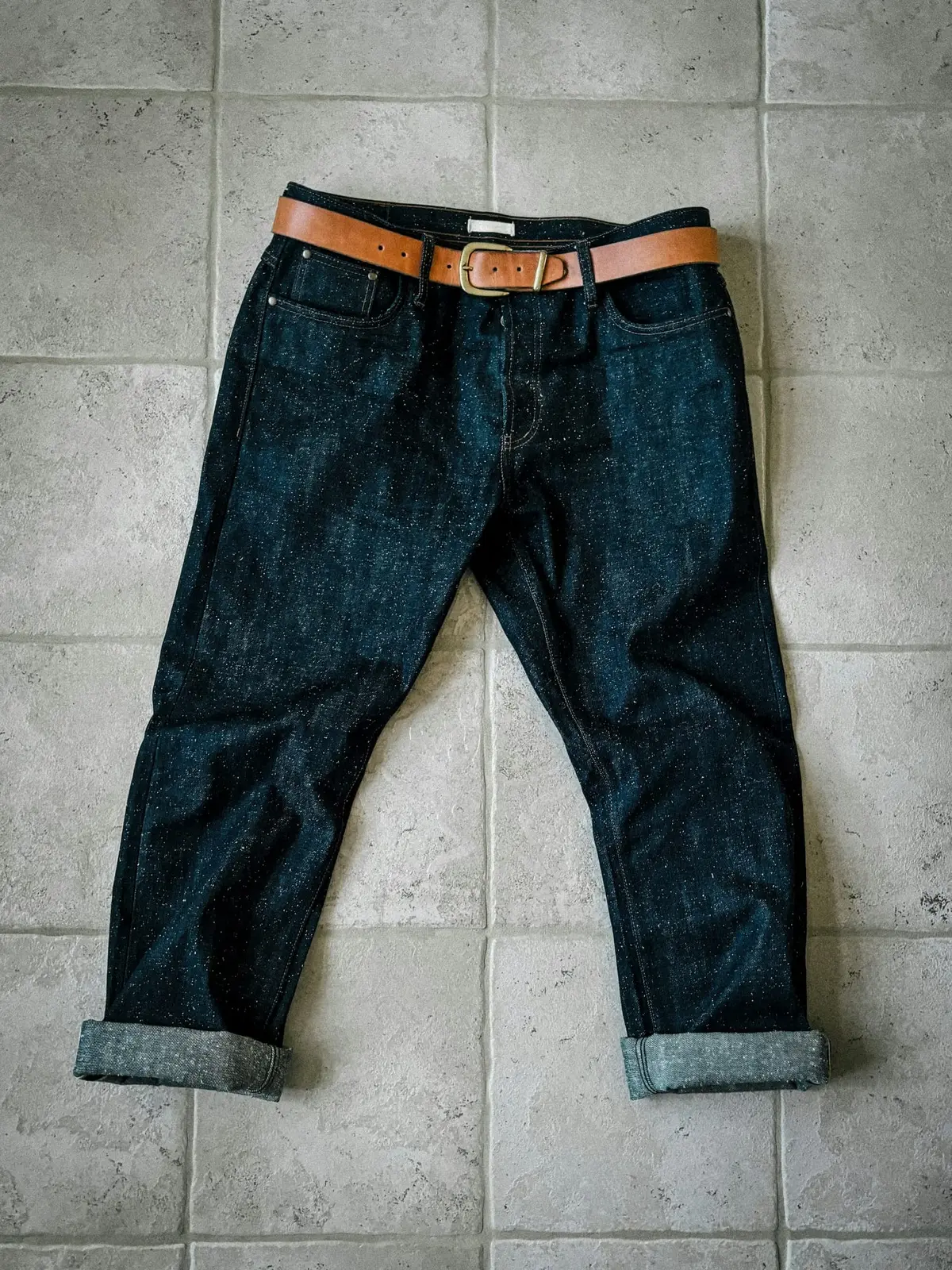
The same section set up for the jackets: different photo, two-line heading, one button, three facts.
Files: sections/ostrel-hero.liquid
| Setting | Type | Notes |
|---|---|---|
| Small label | text | |
| Heading | textarea | Line breaks are kept. Name something specific: a fit, a number, a process. |
| Heading level | select | Keep H1 when the hero opens the page; use H2 if another section holds the page title. |
| Text | richtext | |
| Primary button label | text | |
| Primary button link | url | |
| Secondary button label | text | |
| Secondary button link | url | |
| Photo | image_picker | Loads first on the page; use a sharp product photo on a plain ground. |
| Photo description | text | |
| Woven label on the photo | text | Ostrel's only brand mark on the garment: the small label inside the waistband. |
| Set the photo on the cutting mat | checkbox | Frames the photo with the mat grid and chalk dimension lines. |
| Dimension across the top | text | |
| Dimension down the side | text | |
| Note under the photo | text | |
| Spec strip | textarea | One fact per line. Shown in a row under the hero. |
Jackets & shirts
Chore, Cutter and Yard Coat share a pattern, so the size you take in one is the size you take in all three.
Fit-name navigation. Each tile draws its leg silhouette from the fit profile metaobject linked to the collection, so all four are to scale with each other.
Files: sections/ostrel-fit-tiles.liquid
| Setting | Type | Notes |
|---|---|---|
| Small label | text | |
| Heading | text | |
| Text | richtext | |
| Note under the tiles | inline_richtext | |
| Reference fit | collection | Its outline is drawn dashed behind every other fit, with the differences in words. Leave blank to draw each fit alone. |
| Setting | Type | Notes |
|---|---|---|
| Fit collection | collection | The leg drawing and numbers come from the collection's fit profile (metafield custom.fit). |
| Link label | text | Leave blank for 'See the [fit] jeans'. |
Shop by fit
Each leg is drawn from the size 32 measurements, to scale with the other three. The dashed outline is Plumb, so you can see where each fit is wider or narrower.
mid rise, straight leg
The reference shape: drawn dashed on the other tiles.
mid rise, tapered from the knee
Against Plumb (dashed): hem −1 in2.5 cm thigh −1⁄2 in1.5 cm rise −1⁄2 in1.5 cm
high rise, roomy thigh, tapered
Against Plumb (dashed): hem −1⁄4 in0.5 cm thigh +3⁄4 in2.0 cm rise +1 in2.5 cm
high rise, wide straight leg
Against Plumb (dashed): hem +2 in5.0 cm thigh +11⁄4 in3.0 cm rise +11⁄4 in3.0 cm
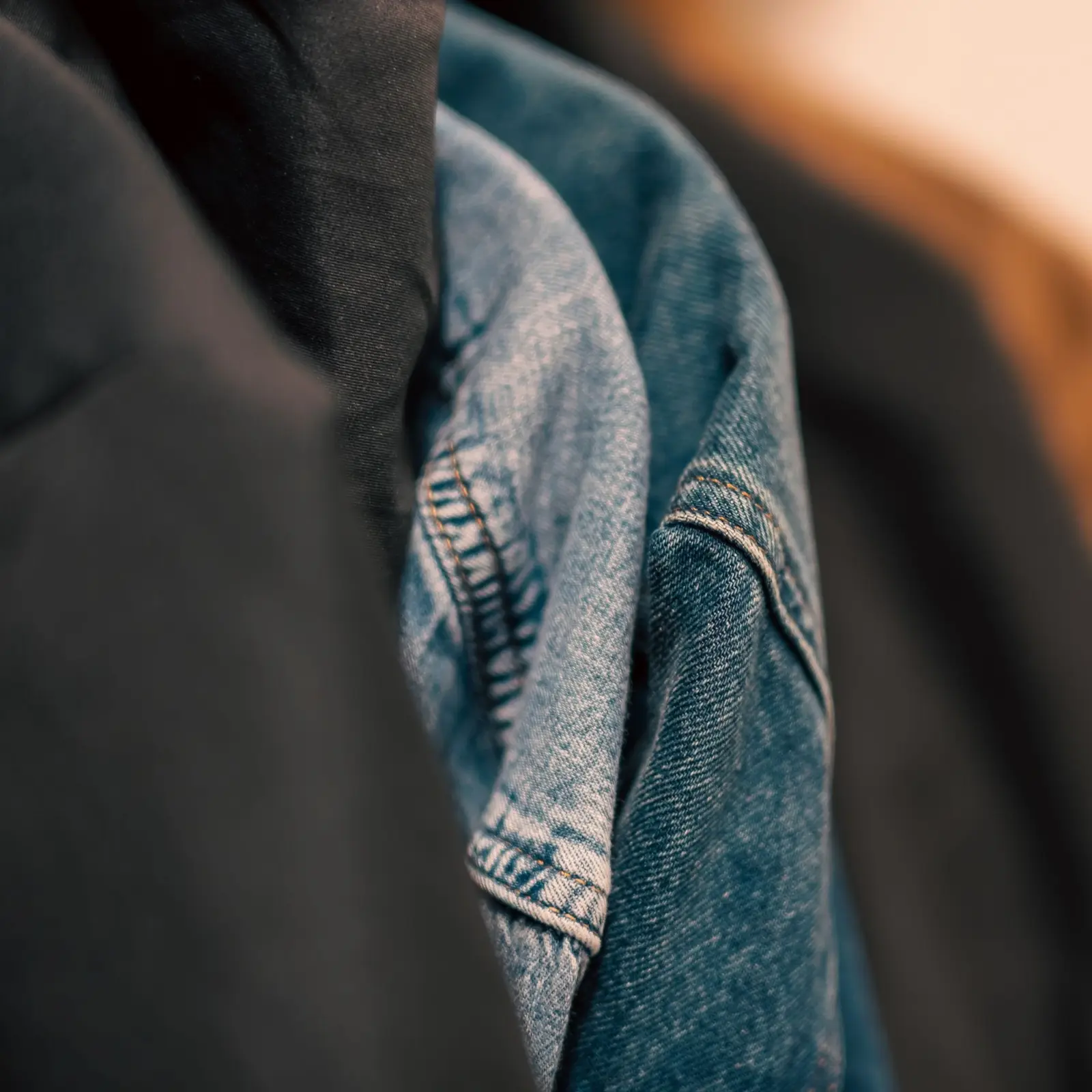
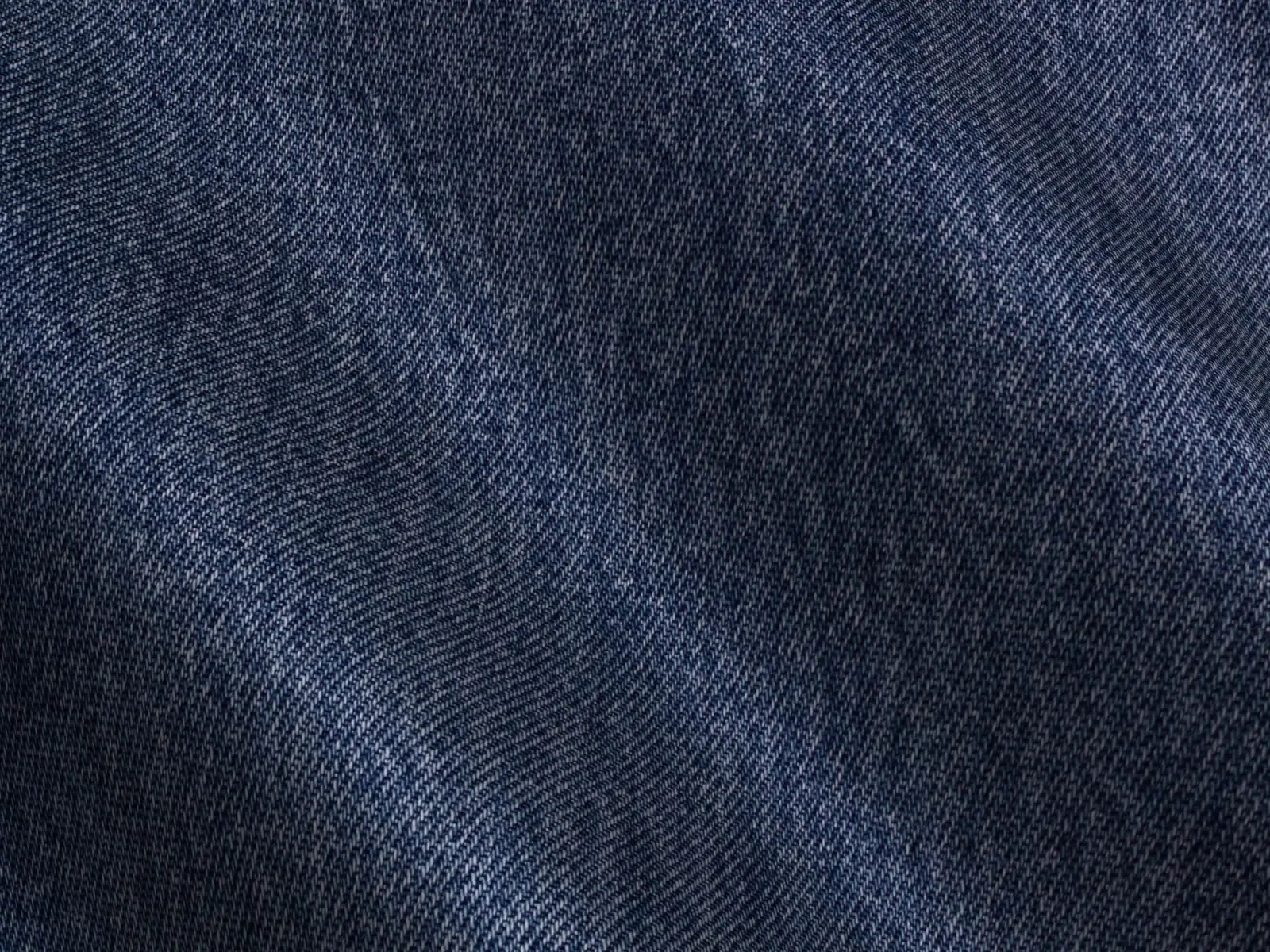
The signature interaction: a native range input clips the worn photo over the raw one, snaps to month notes (blocks), moves one month per arrow key, and carries an honesty caption because the two photos are different cloth.
Files: sections/ostrel-fade-slider.liquid
| Setting | Type | Notes |
|---|---|---|
| Small label | text | |
| Heading | text | |
| Intro | richtext | |
| Before photo (left, month 0) | image_picker | Use two photos of the same size and crop, 4:3 works best. |
| Before label | text | |
| After photo (right, month 12) | image_picker | |
| After label | text | |
| Slider label | text | |
| Starting month | range | |
| Caption | inline_richtext | If the two photos are not the same garment, say so here. Keep it visible. |
| Narrower photo (for product pages) | checkbox |
| Setting | Type | Notes |
|---|---|---|
| Month | range | The slider snaps to the months you add here. Arrow keys move one month. |
| What changes | text | |
| Detail photo (optional) | image_picker | |
| Detail photo description | text |
Wear time
Raw denim is rope-dyed: indigo on the outside of the yarn, white at the core. Wear rubs the dye off where the cloth folds, so the fades follow how you sit, kneel and walk.
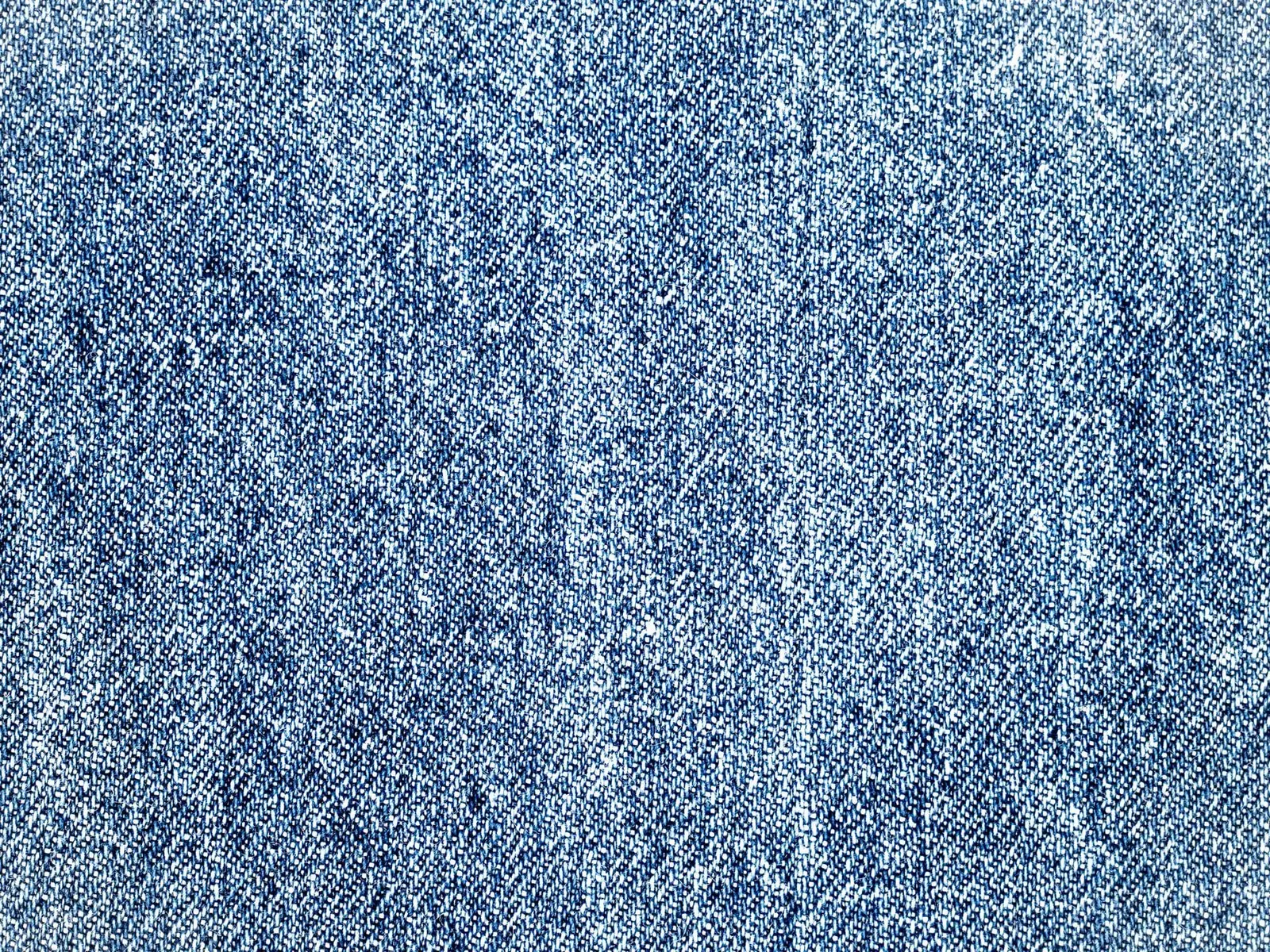
Arrow keys move one month; Page Up and Page Down move three.

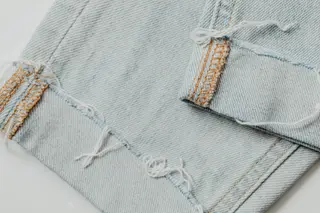
Illustration: dark indigo vs. faded denim, two photos. The month notes describe how raw denim generally fades (terms from denim forums and brand glossaries); they are not a record of one pair.
Three month notes instead of five, narrower photo, starting at month 12.
Files: sections/ostrel-fade-slider.liquid
| Setting | Type | Notes |
|---|---|---|
| Small label | text | |
| Heading | text | |
| Intro | richtext | |
| Before photo (left, month 0) | image_picker | Use two photos of the same size and crop, 4:3 works best. |
| Before label | text | |
| After photo (right, month 12) | image_picker | |
| After label | text | |
| Slider label | text | |
| Starting month | range | |
| Caption | inline_richtext | If the two photos are not the same garment, say so here. Keep it visible. |
| Narrower photo (for product pages) | checkbox |
| Setting | Type | Notes |
|---|---|---|
| Month | range | The slider snaps to the months you add here. Arrow keys move one month. |
| What changes | text | |
| Detail photo (optional) | image_picker | |
| Detail photo description | text |
On the product page
The same section with three month notes, a narrower photo and a different start month. The slider snaps to whichever months the merchant adds.
Arrow keys move one month; Page Up and Page Down move three.
Illustration: dark indigo vs. faded denim, two photos.
Product cards with the fit and cloth line ('Plumb · 14.5 oz Japanese selvedge denim') built from metafields, and square wash chips from the wash metaobject.
Files: sections/ostrel-featured-products.liquid
| Setting | Type | Notes |
|---|---|---|
| Small label | text | |
| Heading | text | |
| Products | product_list | |
| Or a collection | collection | Used when no products are picked above. |
| How many | range | |
| Columns on desktop | select | |
| Link label | text | |
| Link | url |
The jeans
Plumb · 14.5 oz Japanese selvedge denim
$198
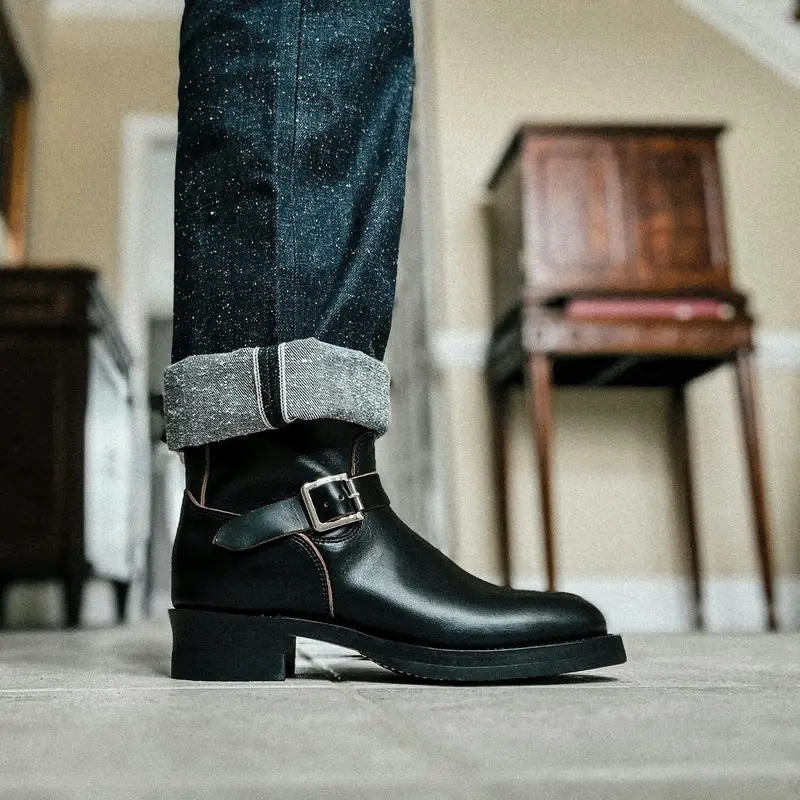
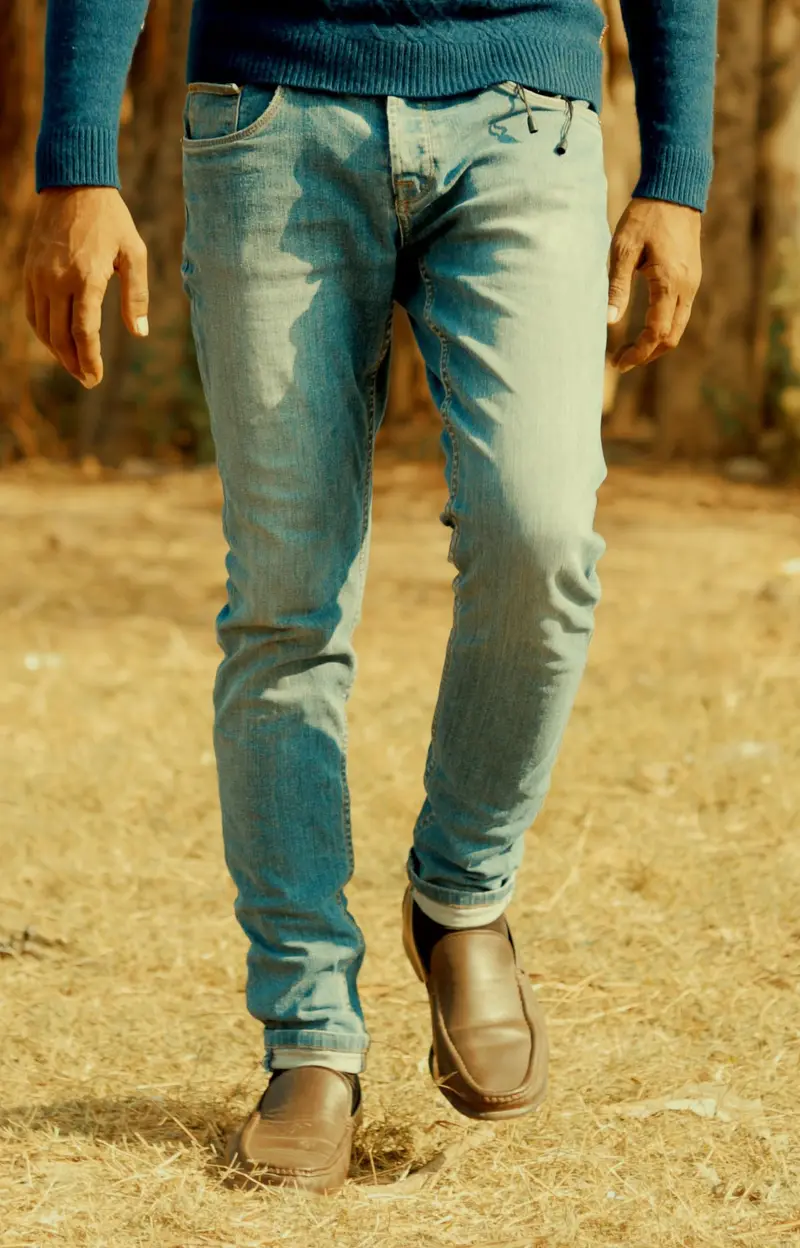
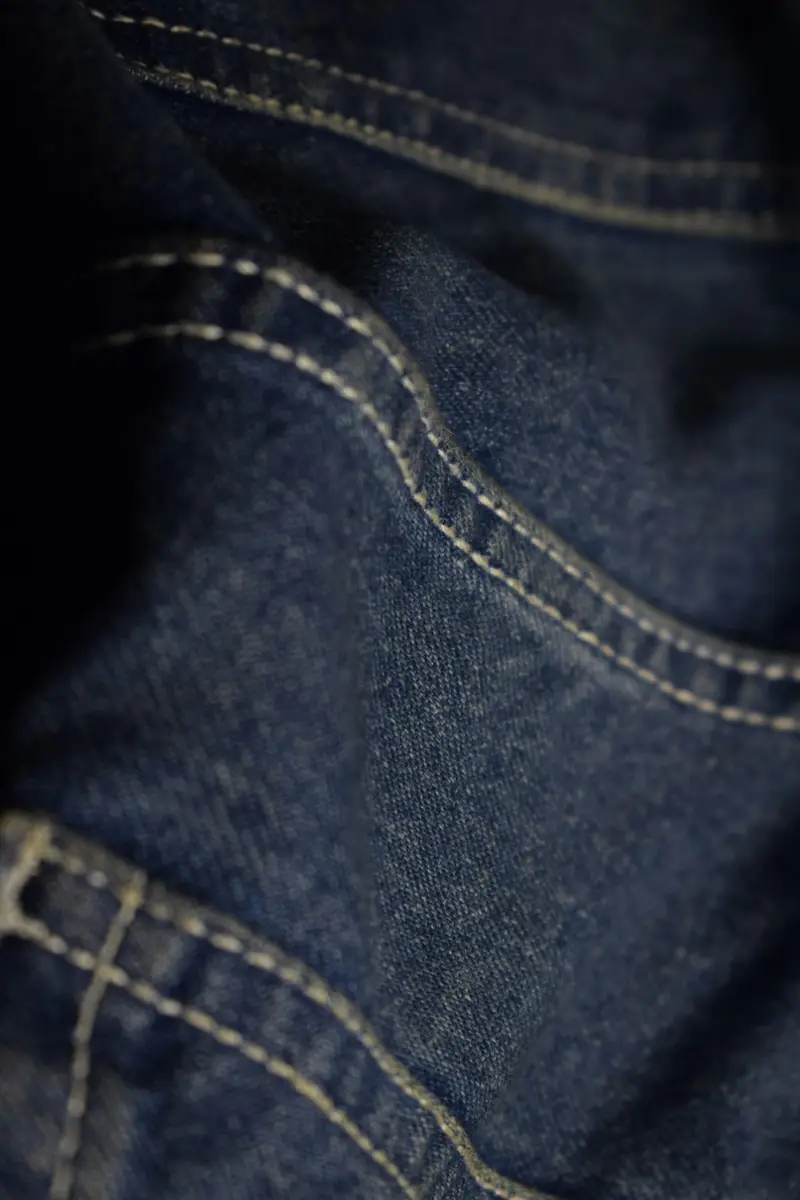
The one cutting-mat band on the homepage. It sends a measured waist to the fit guide, which answers straight away with a size per fit.
Files: sections/ostrel-measure-band.liquid
| Setting | Type | Notes |
|---|---|---|
| Small label | text | |
| Heading | text | |
| Text | richtext | |
| Button label | text | |
| Fit guide page | page | Defaults to the page set in Theme settings > Fit guide. |
| Note under the drawing | text |
Measure a pair you own
Lay your best-fitting jeans flat, measure straight across the top of the waistband, and double it. Type the number here.
16¼ in flat × 2 = 32½ in
The 'usual size elsewhere' helper, the waist × inseam grid, a to-scale fit comparison and the measured tables, all from fit profile metaobjects, with an in/cm toggle remembered per visitor.
Files: sections/ostrel-fit-guide.liquid
| Setting | Type | Notes |
|---|---|---|
| Small label | text | |
| Heading | text | |
| Use the heading as the page title (H1) | checkbox | |
| Intro | richtext | |
| Show the 'usual size elsewhere' helper | checkbox | |
| Show the size grid and fit comparison | checkbox | |
| Show the measured tables | checkbox | |
| Show how to measure | checkbox | |
| How-to heading | text | |
| How-to text | richtext |
Fit guide
Every number is a finished garment laid flat, so you can hold it against a pair you already own. Start with the helper, or go straight to the tables.
Your usual size elsewhere
Tell us the tag and the kind of denim, or better, measure your best pair flat. You get one size for each fit, with the reason.
Your sizes appear here, one per fit.
Fit comparison
Plumb: mid rise, straight leg. Inseams 30, 32 and 34 are finished lengths.
| Tag | Waist | Front rise | Back rise | Thigh | Knee | Leg opening |
|---|---|---|---|---|---|---|
| 28 | 281⁄272.5 | 101⁄426.0 | 141⁄237.0 | 111⁄428.5 | 820.5 | 73⁄419.5 |
| 29 | 291⁄275.0 | 103⁄826.5 | 145⁄837.0 | 111⁄229.0 | 81⁄820.5 | 73⁄419.5 |
| 30 | 301⁄277.5 | 101⁄226.5 | 143⁄437.5 | 113⁄430.0 | 81⁄421.0 | 77⁄820.0 |
| 31 | 311⁄280.0 | 105⁄827.0 | 147⁄838.0 | 1230.5 | 83⁄821.5 | 820.5 |
| 32 | 321⁄282.5 | 103⁄427.5 | 1538.0 | 121⁄431.0 | 81⁄221.5 | 820.5 |
| 33 | 331⁄285.0 | 107⁄827.5 | 151⁄838.5 | 121⁄232.0 | 85⁄822.0 | 820.5 |
| 34 | 341⁄287.5 | 1128.0 | 151⁄438.5 | 123⁄432.5 | 83⁄422.0 | 81⁄820.5 |
| 36 | 361⁄292.5 | 111⁄428.5 | 151⁄239.5 | 131⁄433.5 | 923.0 | 81⁄421.0 |
| 38 | 381⁄298.0 | 111⁄229.0 | 153⁄440.0 | 133⁄435.0 | 91⁄423.5 | 83⁄821.5 |
Chisel: mid rise, tapered from the knee. Inseams 30, 32 and 34 are finished lengths.
| Tag | Waist | Front rise | Back rise | Thigh | Knee | Leg opening |
|---|---|---|---|---|---|---|
| 28 | 281⁄272.5 | 93⁄425.0 | 1435.5 | 103⁄427.5 | 71⁄418.5 | 63⁄417.0 |
| 29 | 291⁄275.0 | 97⁄825.0 | 141⁄836.0 | 1128.0 | 73⁄818.5 | 63⁄417.0 |
| 30 | 301⁄277.5 | 1025.5 | 141⁄436.0 | 111⁄428.5 | 71⁄219.0 | 67⁄817.5 |
| 31 | 311⁄280.0 | 101⁄825.5 | 143⁄836.5 | 111⁄229.0 | 75⁄819.5 | 718.0 |
| 32 | 321⁄282.5 | 101⁄426.0 | 141⁄237.0 | 113⁄430.0 | 73⁄419.5 | 718.0 |
| 33 | 331⁄285.0 | 103⁄826.5 | 145⁄837.0 | 1230.5 | 77⁄820.0 | 718.0 |
| 34 | 341⁄287.5 | 101⁄226.5 | 143⁄437.5 | 121⁄431.0 | 820.5 | 71⁄818.0 |
| 36 | 361⁄292.5 | 103⁄427.5 | 1538.0 | 123⁄432.5 | 81⁄421.0 | 71⁄418.5 |
| 38 | 381⁄298.0 | 1128.0 | 151⁄438.5 | 131⁄433.5 | 81⁄221.5 | 73⁄818.5 |
Bevel: high rise, roomy thigh, tapered. Inseams 30, 32 and 34 are finished lengths.
| Tag | Waist | Front rise | Back rise | Thigh | Knee | Leg opening |
|---|---|---|---|---|---|---|
| 28 | 281⁄272.5 | 111⁄428.5 | 151⁄438.5 | 1230.5 | 81⁄221.5 | 71⁄219.0 |
| 29 | 291⁄275.0 | 113⁄829.0 | 153⁄839.0 | 121⁄431.0 | 85⁄822.0 | 71⁄219.0 |
| 30 | 301⁄277.5 | 111⁄229.0 | 151⁄239.5 | 121⁄232.0 | 83⁄422.0 | 75⁄819.5 |
| 31 | 311⁄280.0 | 115⁄829.5 | 155⁄839.5 | 123⁄432.5 | 87⁄822.5 | 73⁄419.5 |
| 32 | 321⁄282.5 | 113⁄430.0 | 153⁄440.0 | 1333.0 | 923.0 | 73⁄419.5 |
| 33 | 331⁄285.0 | 117⁄830.0 | 157⁄840.5 | 131⁄433.5 | 91⁄823.0 | 73⁄419.5 |
| 34 | 341⁄287.5 | 1230.5 | 1640.5 | 131⁄234.5 | 91⁄423.5 | 77⁄820.0 |
| 36 | 361⁄292.5 | 121⁄431.0 | 161⁄441.5 | 1435.5 | 91⁄224.0 | 820.5 |
| 38 | 381⁄298.0 | 121⁄232.0 | 161⁄242.0 | 141⁄237.0 | 93⁄425.0 | 81⁄820.5 |
Level: high rise, wide straight leg. Inseams 30, 32 and 34 are finished lengths.
| Tag | Waist | Front rise | Back rise | Thigh | Knee | Leg opening |
|---|---|---|---|---|---|---|
| 28 | 281⁄272.5 | 111⁄229.0 | 151⁄239.5 | 121⁄232.0 | 91⁄224.0 | 93⁄425.0 |
| 29 | 291⁄275.0 | 115⁄829.5 | 155⁄839.5 | 123⁄432.5 | 95⁄824.5 | 93⁄425.0 |
| 30 | 301⁄277.5 | 113⁄430.0 | 153⁄440.0 | 1333.0 | 93⁄425.0 | 97⁄825.0 |
| 31 | 311⁄280.0 | 117⁄830.0 | 157⁄840.5 | 131⁄433.5 | 97⁄825.0 | 1025.5 |
| 32 | 321⁄282.5 | 1230.5 | 1640.5 | 131⁄234.5 | 1025.5 | 1025.5 |
| 33 | 331⁄285.0 | 121⁄831.0 | 161⁄841.0 | 133⁄435.0 | 101⁄825.5 | 1025.5 |
| 34 | 341⁄287.5 | 121⁄431.0 | 161⁄441.5 | 1435.5 | 101⁄426.0 | 101⁄825.5 |
| 36 | 361⁄292.5 | 121⁄232.0 | 161⁄242.0 | 141⁄237.0 | 101⁄226.5 | 101⁄426.0 |
| 38 | 381⁄298.0 | 123⁄432.5 | 163⁄442.5 | 1538.0 | 103⁄427.5 | 103⁄826.5 |
Lay the jeans flat, buttoned, front up. Smooth out the waistband without stretching it.
Every part can be switched off, so the comparison can stand alone on a collection or landing page.
Files: sections/ostrel-fit-guide.liquid
| Setting | Type | Notes |
|---|---|---|
| Small label | text | |
| Heading | text | |
| Use the heading as the page title (H1) | checkbox | |
| Intro | richtext | |
| Show the 'usual size elsewhere' helper | checkbox | |
| Show the size grid and fit comparison | checkbox | |
| Show the measured tables | checkbox | |
| Show how to measure | checkbox | |
| How-to heading | text | |
| How-to text | richtext |
Fit guide
Each part of the fit guide can be switched off. This instance shows only the size grid and the comparison.
Fit comparison
Hotspots are buttons that open native popovers (Escape closes them and focus returns), with a numbered list beside the photo for small screens and screen readers.
Files: sections/ostrel-lookbook.liquid
| Setting | Type | Notes |
|---|---|---|
| Photo | image_picker | |
| Photo description | text | Describe what is actually in the photo for people using screen readers. |
| Photo on the right (desktop) | checkbox | |
| Small label | text | |
| Heading | text | |
| Text | richtext | |
| Button label | text | Say where the button goes. |
| Button link | url | |
| Photo credit | text |
| Setting | Type | Notes |
|---|---|---|
| Product | product | |
| Across (left to right) | range | |
| Down (top to bottom) | range | |
| Note | text | Optional, e.g. 'Size M, Raw Indigo'. Shown in the popover and the list. |
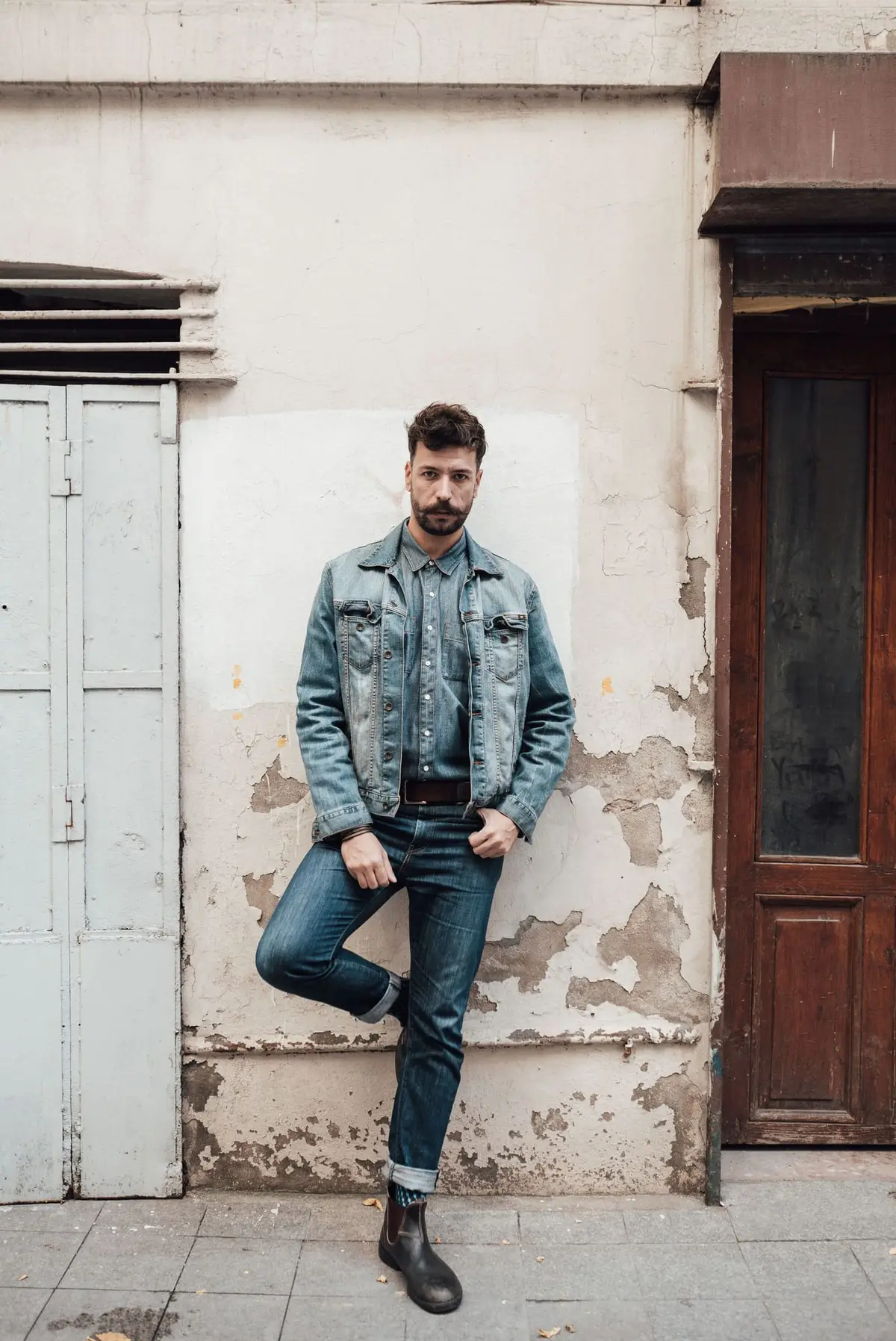


Chambray Workshirt
Shirt block · 5.5 oz Japanese selvedge chambray
5.5 oz, Indigo Chambray
$124
See the Chambray Workshirt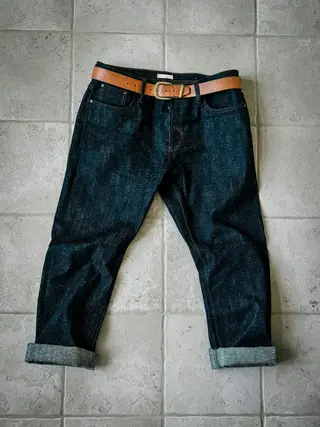
Plumb Jean, Raw Selvedge
Plumb · 14.5 oz Japanese selvedge denim
32 × 32, cuffed once
$198
See the Plumb Jean, Raw SelvedgeLookbook
A 12 oz chore jacket over a 5.5 oz chambray shirt, with 14.5 oz Plumb jeans cuffed once. Each layer fades at its own pace.
Photo: Enes Çelik on Pexels, a stand-in for Ostrel garments.
Photo on the right, two hotspots, different button.
Files: sections/ostrel-lookbook.liquid
| Setting | Type | Notes |
|---|---|---|
| Photo | image_picker | |
| Photo description | text | Describe what is actually in the photo for people using screen readers. |
| Photo on the right (desktop) | checkbox | |
| Small label | text | |
| Heading | text | |
| Text | richtext | |
| Button label | text | Say where the button goes. |
| Button link | url | |
| Photo credit | text |
| Setting | Type | Notes |
|---|---|---|
| Product | product | |
| Across (left to right) | range | |
| Down (top to bottom) | range | |
| Note | text | Optional, e.g. 'Size M, Raw Indigo'. Shown in the popover and the list. |


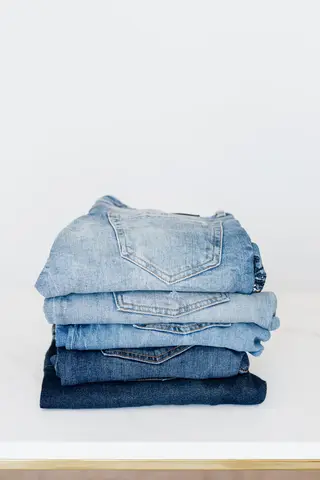
Second look
Same section, photo on the right and two hotspots. Hotspot positions are two sliders per product.
Photo: Yahya Boudi on Pexels, a stand-in for Ostrel garments.
Built from theme blocks: heading, text, numbered steps and a button, in any order, plus app blocks.
Files: sections/ostrel-media-panel.liquid, blocks/ostrel-heading.liquid, blocks/ostrel-richtext.liquid, blocks/ostrel-steps.liquid, blocks/ostrel-button.liquid
| Setting | Type | Notes |
|---|---|---|
| Photo | image_picker | |
| Photo description | text | Describe what is in the photo. |
| Photo on the right (desktop) | checkbox | |
| Background | select |
| Setting | Type | Notes |
|---|---|---|
| Small label | text | |
| Heading | text | |
| Heading level | select | Use one page title per page. |
| Setting | Type | Notes |
|---|---|---|
| Text | richtext | |
| Larger text | checkbox |
| Setting | Type | Notes |
|---|---|---|
| Small label | text | |
| Steps | textarea | One step per line. |
| Setting | Type | Notes |
|---|---|---|
| Label | text | Say what happens next, e.g. 'See the Plumb measurements'. |
| Link | url | |
| Style | select |
Accepts app blocks.
Accepts any theme block.
Hem and repair
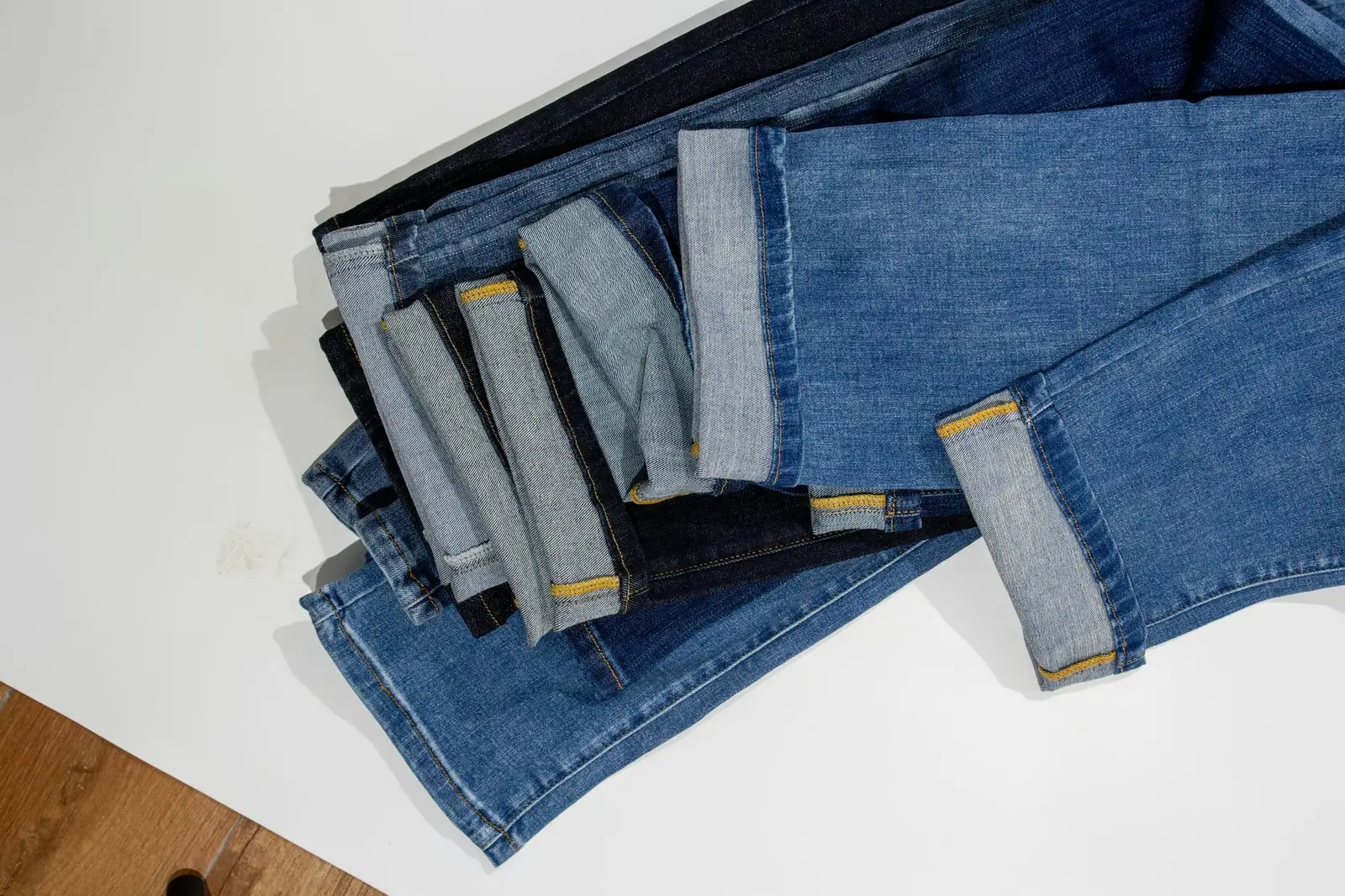
Pick 30, 32 or 34 and we chain-stitch the hem before the pair goes out. Chain stitch twists the hem as you wear it, which is where the roping fade comes from.
Before you choose
The same section on paper with three blocks and the photo on the left.
Files: sections/ostrel-media-panel.liquid, blocks/ostrel-heading.liquid, blocks/ostrel-richtext.liquid, blocks/ostrel-button.liquid
| Setting | Type | Notes |
|---|---|---|
| Photo | image_picker | |
| Photo description | text | Describe what is in the photo. |
| Photo on the right (desktop) | checkbox | |
| Background | select |
| Setting | Type | Notes |
|---|---|---|
| Small label | text | |
| Heading | text | |
| Heading level | select | Use one page title per page. |
| Setting | Type | Notes |
|---|---|---|
| Text | richtext | |
| Larger text | checkbox |
| Setting | Type | Notes |
|---|---|---|
| Label | text | Say what happens next, e.g. 'See the Plumb measurements'. |
| Link | url | |
| Style | select |
Accepts app blocks.
Accepts any theme block.
Theme blocks
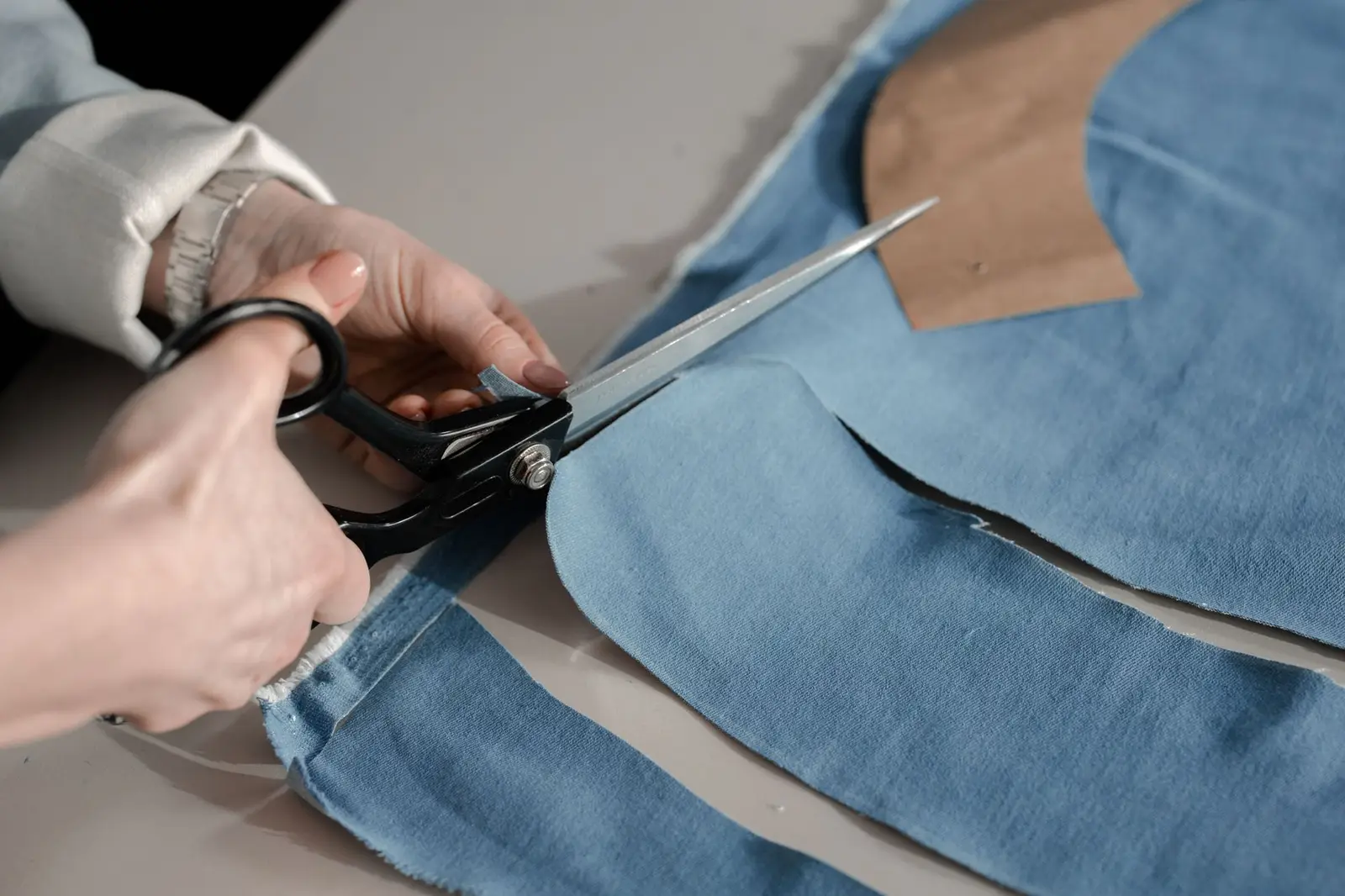
This section takes any theme block: heading, text, numbered steps, button, or an app block. Here it has three, on paper instead of card grey, with the photo on the left.
Topic headings and questions as blocks, rendered as native disclosure widgets.
Files: sections/ostrel-faq.liquid
| Setting | Type | Notes |
|---|---|---|
| Small label | text | |
| Heading | text | |
| Use the heading as the page title (H1) | checkbox | Turn off if the page already has a title above this section. |
| Intro | richtext |
| Setting | Type | Notes |
|---|---|---|
| Heading | text | Also listed as a jump link at the top. |
| Setting | Type | Notes |
|---|---|---|
| Question | text | |
| Answer | richtext | |
| Open by default | checkbox |
FAQ
Topic headings become jump links when there is more than one.
The cloth was stretched, fixed and shrunk in length at the mill, so it moves 2% or less in the wash (1% for Chisel). Buy your usual size.
Turn the jeans inside out and soak them in hot tap water for an hour, then hang them to dry. Expect about 3% at the waist and 8 to 10% in length, roughly one tag size. We cut it so a hot soak lands it on the tag.
A cold soak shrinks it less (about 3 to 5% in length) and leaves it a little long and loose. The shrinkage panel on the product page shows both.
When it smells or gets dirty. Waiting longer gives higher-contrast fades; washing sooner gives softer ones. Wash inside out, cold, on its own, and hang to dry.
Built from nested menu links: a top-level item with children opens a keyboard-accessible panel, and a child with its own children becomes a column. Featured fit cards are blocks assigned to a menu item. The bag count comes from the cart.
Files: sections/ostrel-header.liquid
| Setting | Type | Notes |
|---|---|---|
| Wordmark text | text | Ostrel uses a wordmark only. Leave blank to use the store name. |
| Logo image (optional) | image_picker | Replaces the wordmark text. Shown 28px tall. |
| Menu | link_list | Top-level items with child links open a mega menu. A child link with its own children becomes a column with a heading. |
| Note at the bottom of the mobile menu | inline_richtext |
| Setting | Type | Notes |
|---|---|---|
| Show under menu item | text | Type the top-level menu item's title exactly as it appears, e.g. Jeans. |
| Collection | collection | Sets the link, title and image unless you fill the fields below. |
| Image | image_picker | |
| Small label | text | |
| Title | text | |
| One-line shape description | text | |
| Link (overrides the collection) | url |
Two menus, a service note, and the concept-store credit and disclosure as settings.
Files: sections/ostrel-footer.liquid
| Setting | Type | Notes |
|---|---|---|
| Wordmark | text | |
| About text | richtext | |
| First menu | link_list | |
| Second menu | link_list | |
| Service heading | text | |
| Service text | richtext | |
| Credit line | text | Keep this visible: the store is a portfolio concept. |
| Disclosure | inline_richtext |