Oftly: a refill store that tells you when each bottle runs out
Skincare subscribers complain about the schedule more than the formula: refills arrive early, stockpile, or renew by surprise. Oftly is a fictional brand built to answer that in the theme, with metafields, native selling plans and a few sections a merchant can edit without a developer.
Review sites for skincare subscriptions repeat the same complaints: "they send shipments way too early", "my subscription accidentally renewed". Competitors offer fixed 4, 6 or 8 week cadences and leave the maths to the customer.
The brief for this store set one job: show, on every bottle, how many days it lasts at a stated dose, and let a shopper build a three-product routine whose refills follow those dates. Everything had to be theme code driven by product data, so a merchant can add a product by filling in metafields rather than editing Liquid.
The design brief, competitor screenshots and the critic's pick of the "Dose Card" direction are in the project repository.
Custom sections, and what the merchant can edit
Each settings list on the right is generated from that section's {% schema %}, so it is exactly what a merchant sees in Shopify's theme editor.
Skin quiz
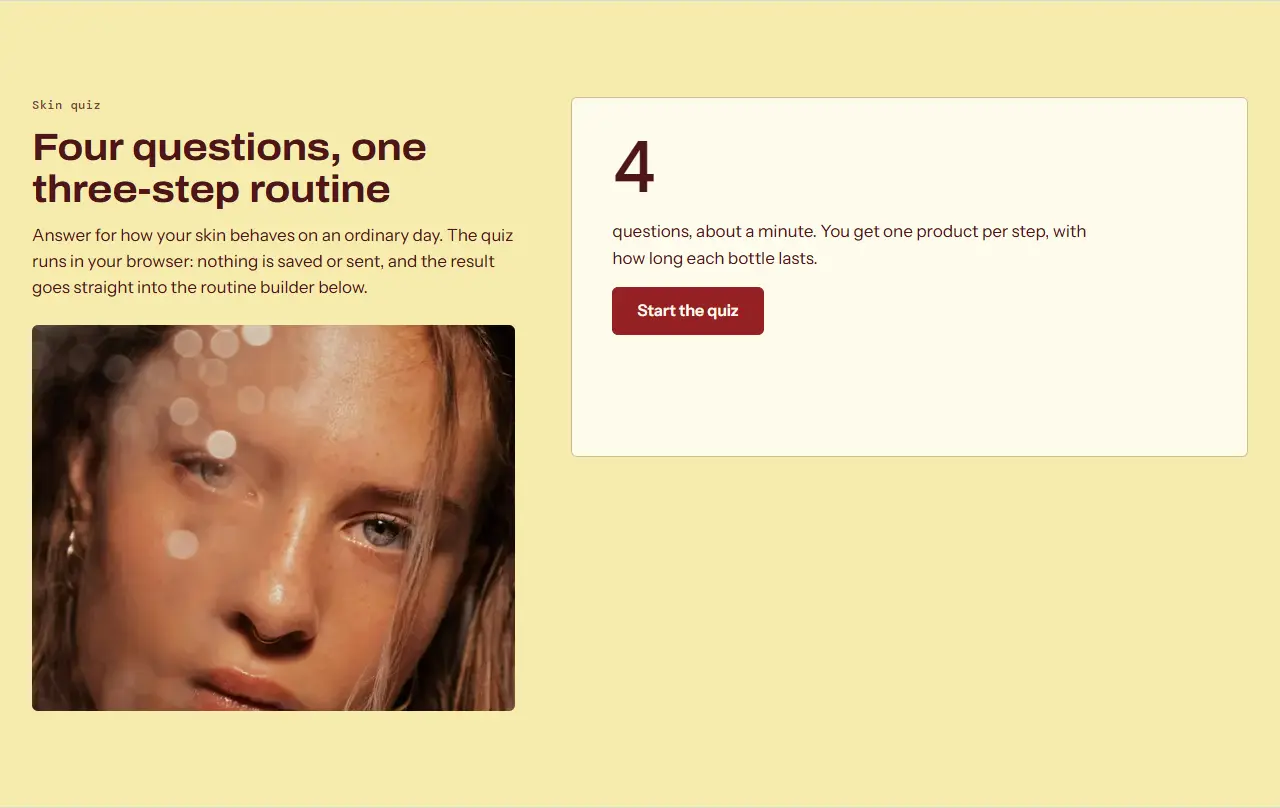
Shoppers who do not know which active to start with get three questions, one at a time, and a routine at the end. The result hands straight to the routine builder.
Questions and answers are nested theme blocks. Each answer maps to concerns or products through product settings, so the quiz needs no app and makes no network calls: the product data is rendered into the page.
Rendered from sections/skin-quiz.liquid in the preview harness. Try skin quiz live
Skin quiz21 settings, 1 block types
Small line above the headingtext
Headingtext
Textrichtext
Heading levelselect
Imageimage_picker
Image description (alt text)text
Start panel texttextarea
Recommendations
Products the quiz can recommendproduct_list
Routine steps, in ordertext
Products in the resultrange
Page with the routine builderpage
Result
Result headingtext
Note under the resulttext
Button labels
Starttext
Nexttext
Backtext
Send to the routine buildertext
Start overtext
Progress texttext
Message when no answer is chosentext
Word after the day counttext
Block: Question2 settings
The merchant adds, reorders and rewords questions as blocks, and points each answer at products.
Routine builder
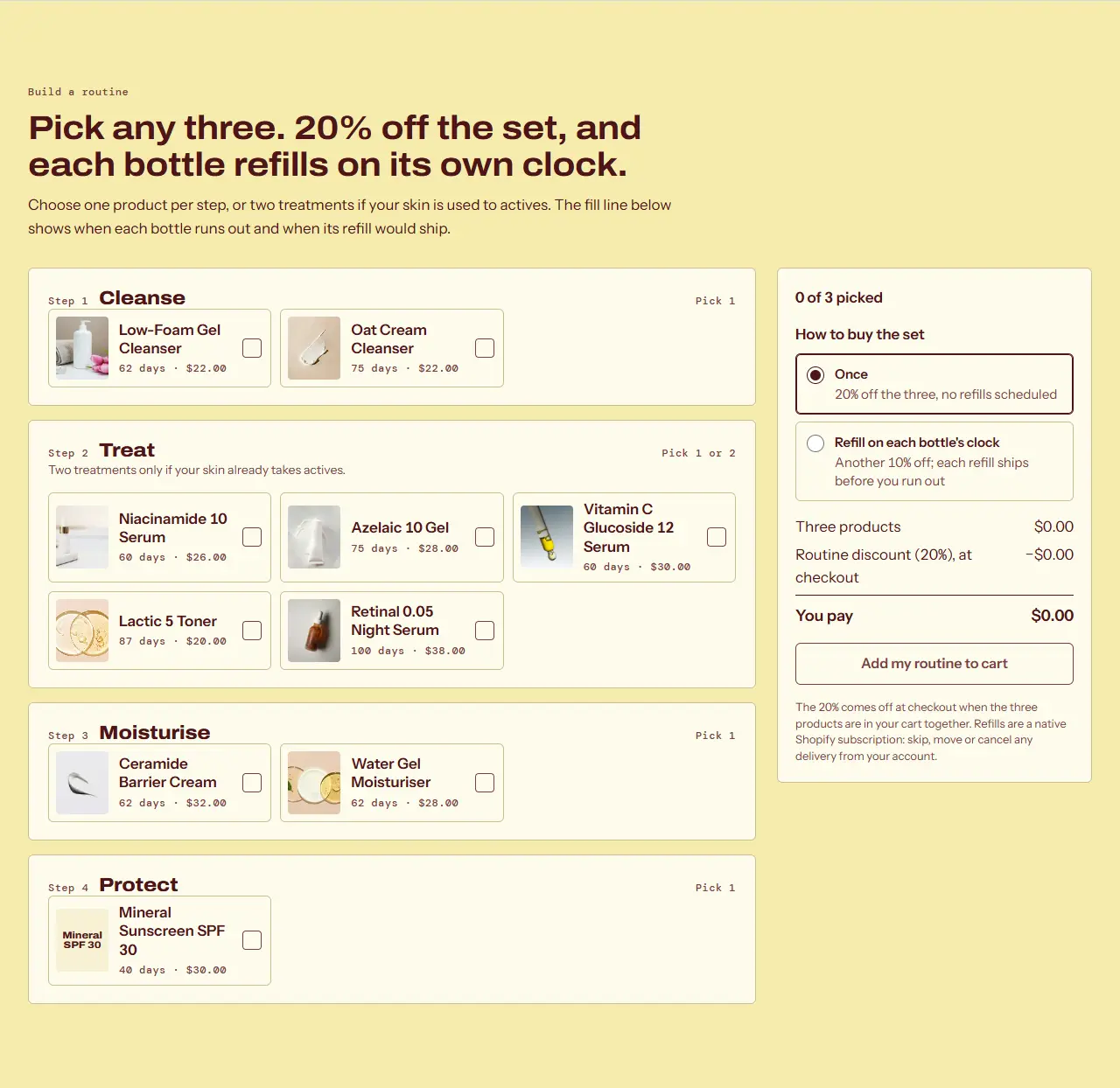
The store’s main conversion path: pick a cleanser, a treatment and a moisturiser, see the saving, and start deliveries. It replaces a paid bundle app for the most common skincare request in the job posts sampled.
All three lines go to the cart in one /cart/add.js call with a shared _routine_id property and, when subscribing, a native selling plan. The fill-line timeline is computed from metafields for size, daily use and days per bottle. The 20% bundle price comes from a Shopify automatic discount, documented in the theme’s SETUP.md.
Labels and which columns show are settings; the data itself lives on each product in the admin.
Before/after slider
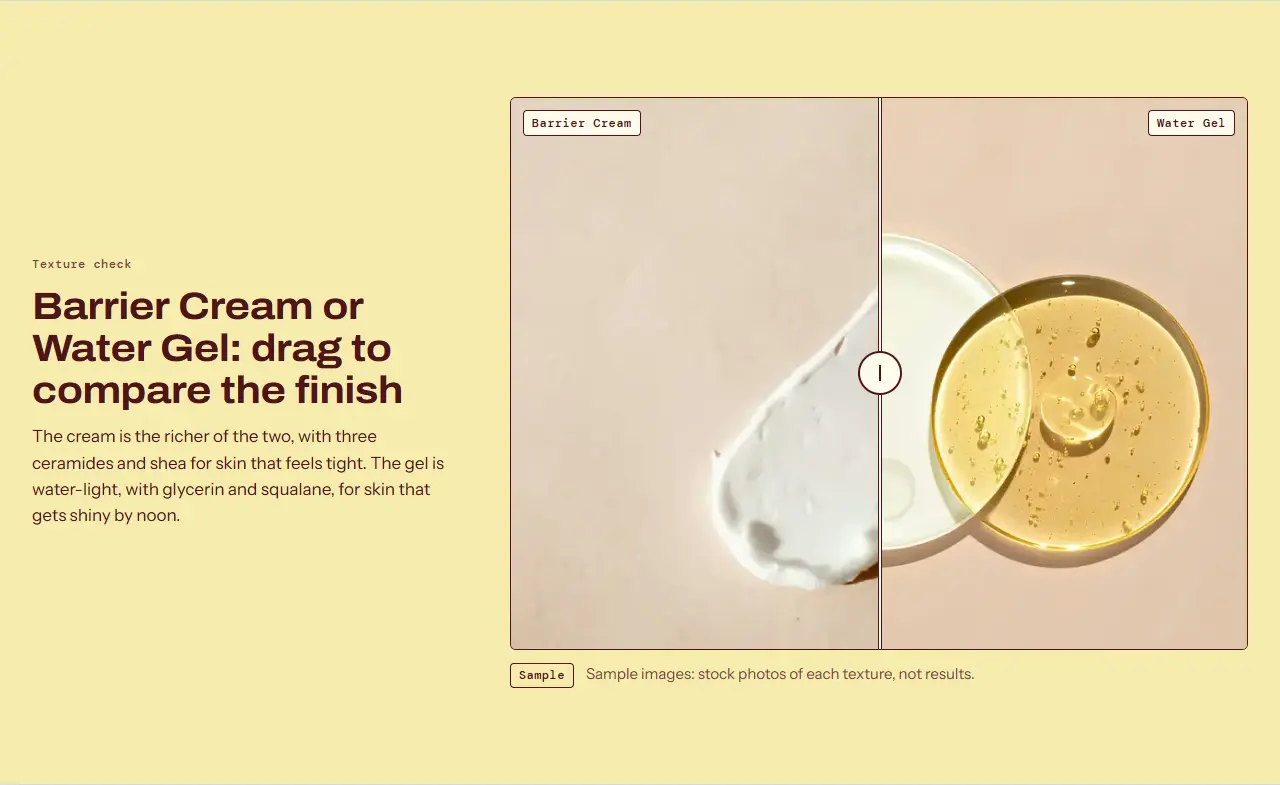
A common request in skincare briefs. Here it compares textures, and it is labelled as an illustration because the brand is fictional and makes no efficacy claims.
A native range input drives the clip, so it works with arrow keys, touch and screen readers without a library.
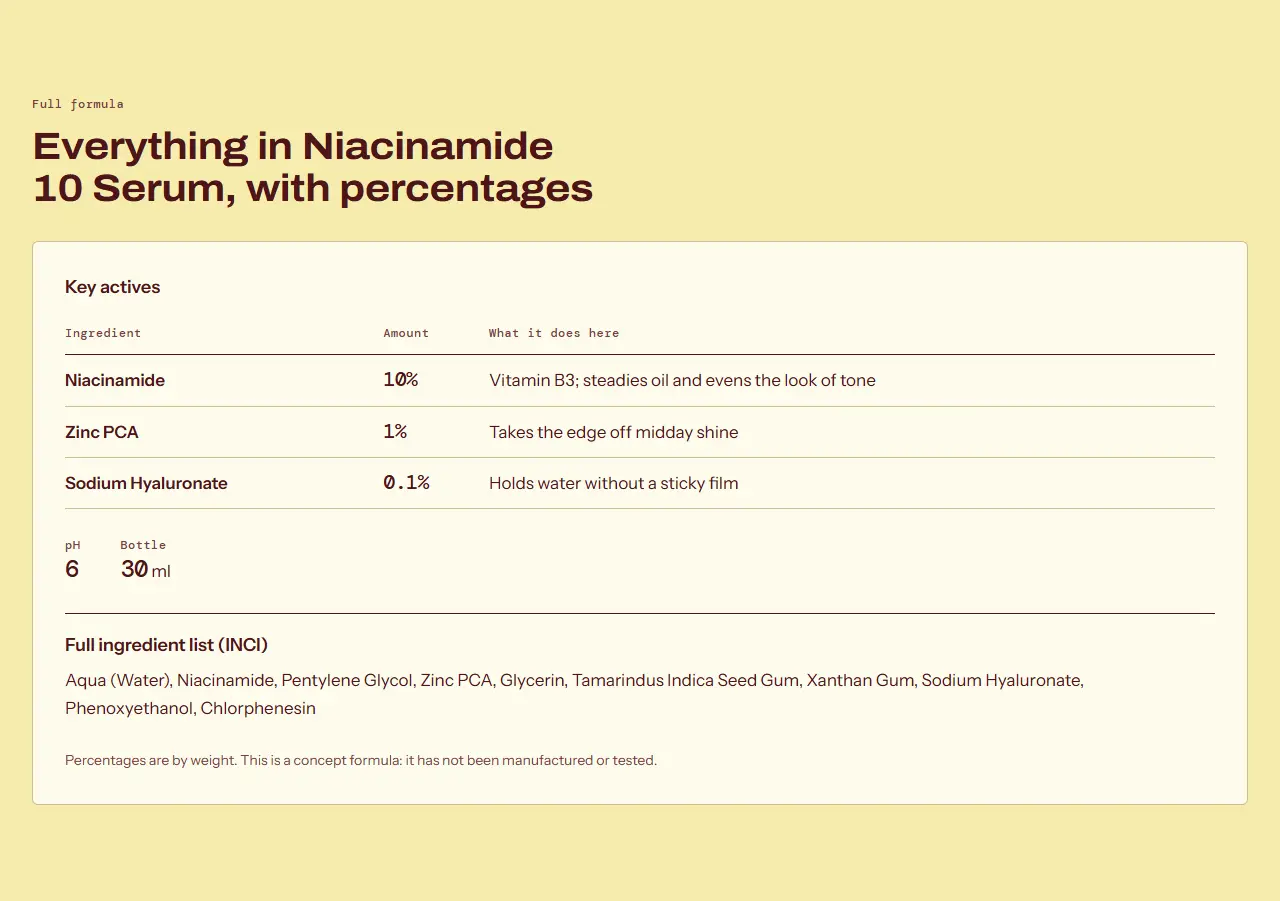
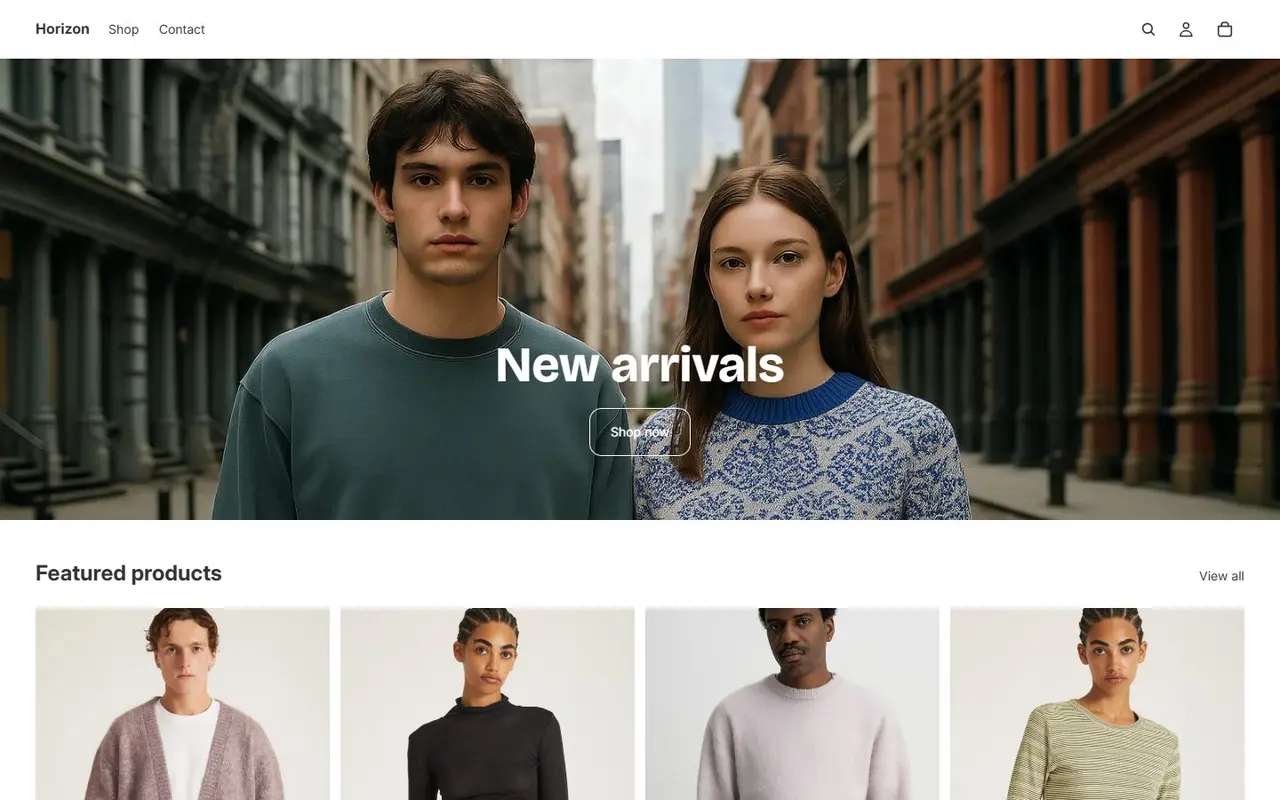
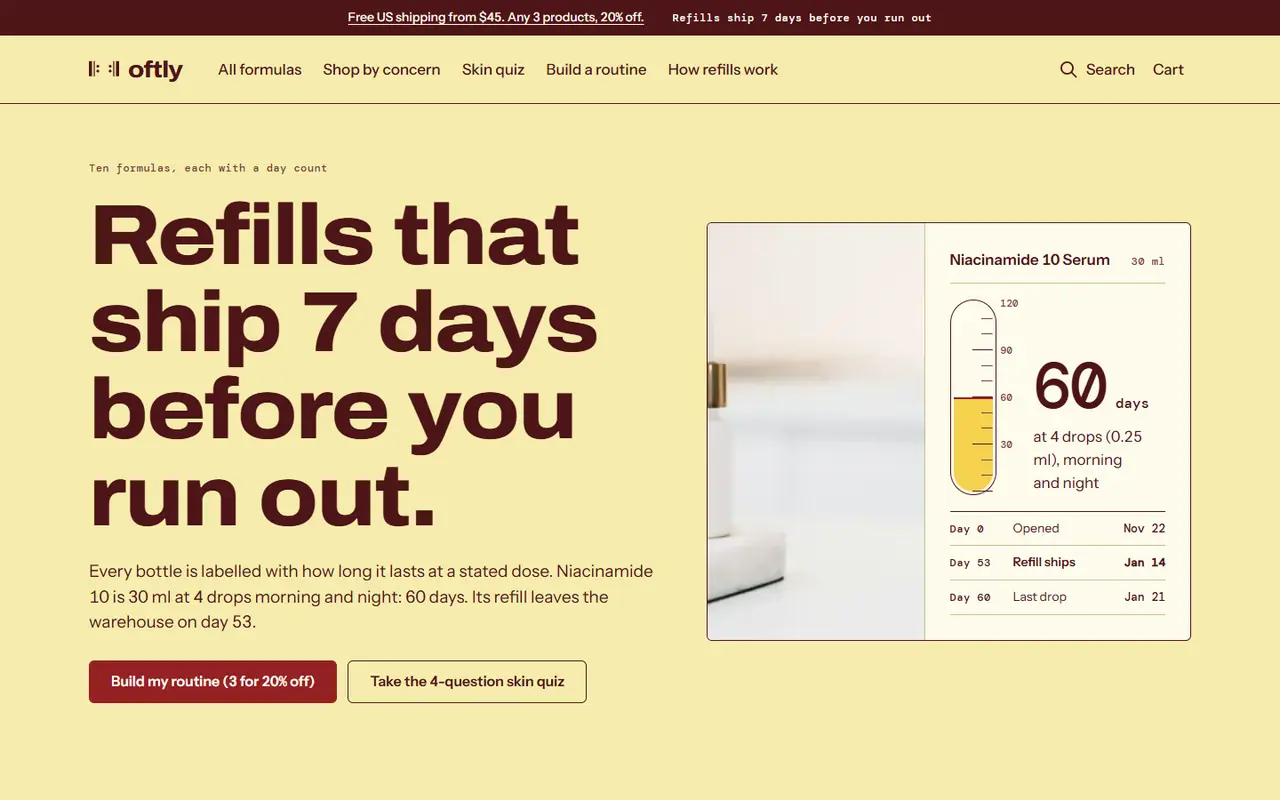
The baseline is Horizon, Shopify’s current flagship theme, as shown on its public demo store. Horizon is a strong general theme. Out of the box, a skincare merchant gets a hero, a product grid and a subscription selector, with no way to show bottle lifespan, no routine bundling and no structured ingredient data. Those are what the custom sections add.
Before: Shopify’s Horizon demo store, first screen at 1440 px (captured 2026-11-22).After: the Oftly theme, first screen at 1440 px, rendered by the preview harness.
Scores
0Theme Check errors (0 warnings, 65 files)
100Lighthouse mobile performance, average
97Lighthouse accessibility, average
0Theme Check errors after dropping the portable sections into Horizon
–KB of custom JavaScript in the whole theme, unminified
Lighthouse mobile results per page
Page
Perf.
A11y
Best pr.
SEO
LCP
CLS
/oftly
100
97
96
100
1.2 s
0
/oftly/products/niacinamide-10-serum
99
97
96
100
1.9 s
0
/oftly/collections/all
100
96
96
100
1.9 s
0
/oftly/pages/build-a-routine
100
97
96
100
1.1 s
0
/oftly/pages/skin-quiz
100
97
96
100
0.9 s
0
/oftly/cart
100
97
96
100
0.9 s
0
Lighthouse 13 mobile, run against the static preview at localhost:4401 on 2026-11-22. A real Shopify store adds its own scripts (analytics, Shop Pay, apps), so expect lower numbers on a live store. The theme's share of the page weight is what these scores reflect.
What the preview leaves out
The 20% routine discount appears in the builder and the cart note, but the preview does not apply it: on a live store a Shopify automatic discount does.
Selling plans are mocked in the product data. On a real store the Shopify Subscriptions app (free) creates them, and the same Liquid reads them.
Checkout, customer accounts, search and the Section Rendering API are not part of the preview.
Oftly, its formulas and the SPF value are fictional and untested. Sample reviews are marked as samples.