
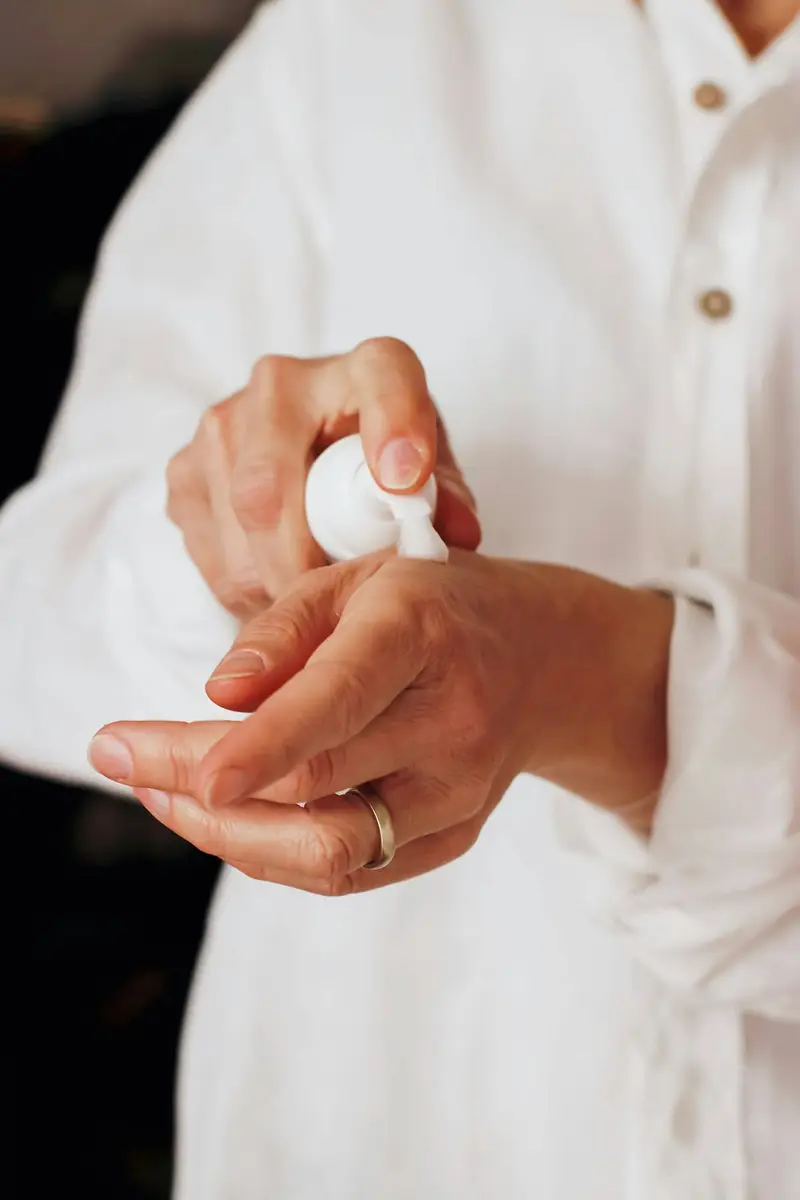


Cleanse step · AM + PM
Low-Foam Gel Cleanser
For oily or congested skin. Cleans without the squeak.
Key active Sodium Cocoyl Glycinate 8%
62 days
at 2 pumps, AM + PM
Every section below is merchant-editable through settings, blocks and presets. The quiz, routine builder, before/after, ingredient table, concern tiles, shipping bar, refill steps, FAQ and glossary are self-contained and can be dropped into another theme.
The homepage hero built around the store's one idea. Pick a product and the gauge, day count and opened, refill and last-drop dates are computed from its size and daily-use metafields.
Files: sections/hero-fill-line.liquid
| Setting | Type | Notes |
|---|---|---|
| Small line above the heading | text | |
| Heading | textarea | Name a number or a process only this store would say. |
| Text | richtext | |
| Product | product | Its day count comes from the product's size and daily-use metafields (see METAFIELDS.md). |
| Photo | image_picker | Leave empty to use the product's first image. |
| Photo description (alt text) | text | |
| Show opened, refill and last-drop dates | checkbox | |
| First button label | text | |
| First button link | url | |
| Second button label | text | |
| Second button link | url |
Ten formulas, each with a day count
Every bottle is labelled with how long it lasts at a stated dose. Niacinamide 10 is 30 ml at 4 drops morning and night: 60 days. Its refill leaves the warehouse on day 53.

Niacinamide 10 Serum 30 ml
60 days
at 4 drops (0.25 ml), morning and night
The same section pointed at another product with no photo: the label card stands in, and every number updates from that product's metafields.
Files: sections/hero-fill-line.liquid
| Setting | Type | Notes |
|---|---|---|
| Small line above the heading | text | |
| Heading | textarea | Name a number or a process only this store would say. |
| Text | richtext | |
| Product | product | Its day count comes from the product's size and daily-use metafields (see METAFIELDS.md). |
| Photo | image_picker | Leave empty to use the product's first image. |
| Photo description (alt text) | text | |
| Show opened, refill and last-drop dates | checkbox | |
| First button label | text | |
| First button link | url | |
| Second button label | text | |
| Second button link | url |
Our strongest formula
With no photo set, the hero falls back to the product's typeset label card. Same section, different product, no extra work.
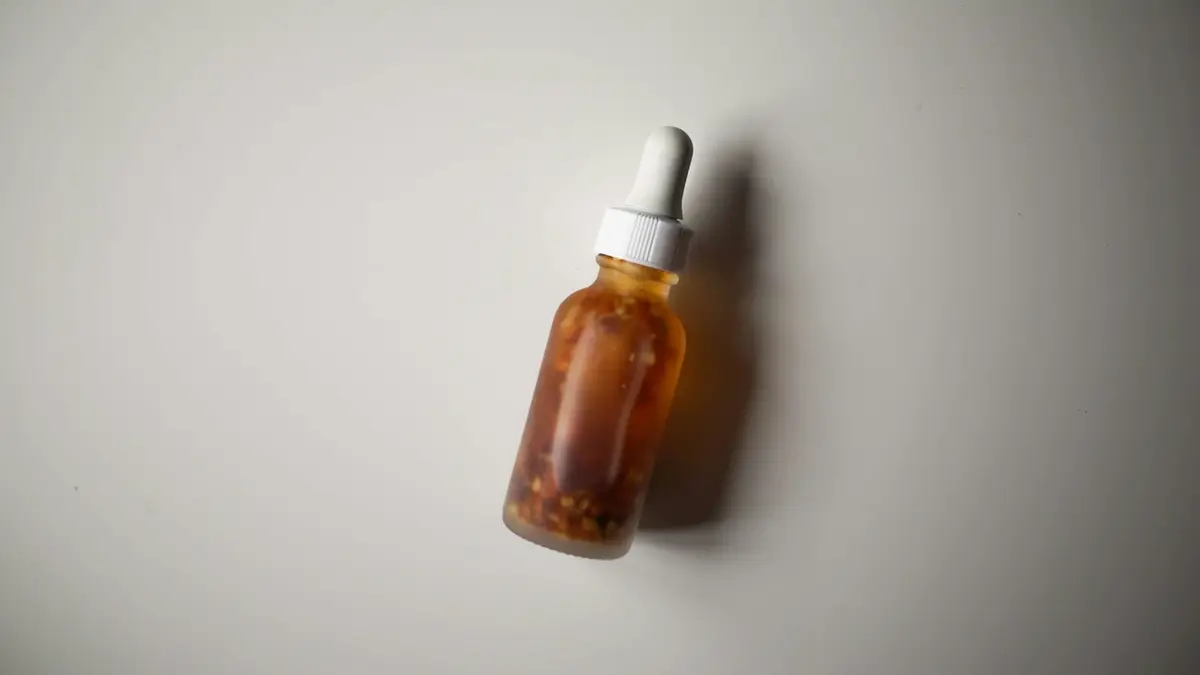
Retinal 0.05 Night Serum 30 ml
100 days
at 5 drops (0.3 ml), at night
Concern tiles as blocks, each linked to a collection. Title, image and product count fall back to the collection's own.
Files: sections/concern-tiles.liquid
| Setting | Type | Notes |
|---|---|---|
| Small line above the heading | text | |
| Heading | text | |
| Text | richtext | |
| Tiles per row on desktop | select | |
| Show product count | checkbox | |
| Word after the count | text |
| Setting | Type | Notes |
|---|---|---|
| Collection | collection | The tile links here and counts its products. |
| Tile title | text | Leave empty to use the collection title. |
| One line under the title | text | |
| Image | image_picker | Leave empty to use the collection image. Skin close-ups and textures work; avoid before-and-after faces. |
Shop by concern
Each tile opens the formulas written for that concern, with their actives and day counts side by side.
Same section, different blocks: tiles for routine steps instead of concerns.
Files: sections/concern-tiles.liquid
| Setting | Type | Notes |
|---|---|---|
| Small line above the heading | text | |
| Heading | text | |
| Text | richtext | |
| Tiles per row on desktop | select | |
| Show product count | checkbox | |
| Word after the count | text |
| Setting | Type | Notes |
|---|---|---|
| Collection | collection | The tile links here and counts its products. |
| Tile title | text | Leave empty to use the collection title. |
| One line under the title | text | |
| Image | image_picker | Leave empty to use the collection image. Skin close-ups and textures work; avoid before-and-after faces. |
By step
The same section with four blocks pointed at step collections, at four per row.
Questions and answers are nested blocks. Each answer maps to concerns, recommends products and can rule products out. One question at a time, keyboard friendly, and the result loads straight into the routine builder. No network calls: product data is rendered into the page.
Files: sections/skin-quiz.liquid, blocks/_oftly-quiz-question.liquid, blocks/_oftly-quiz-answer.liquid
| Setting | Type | Notes |
|---|---|---|
| Small line above the heading | text | |
| Heading | text | |
| Text | richtext | |
| Heading level | select | Use H1 when the quiz is the page's main content. |
| Image | image_picker | |
| Image description (alt text) | text | |
| Start panel text | textarea | |
| Products the quiz can recommend | product_list | Answers only recommend products in this list. Each product's routine step comes from its Routine step metafield. |
| Routine steps, in order | text | Comma-separated. The result picks the best product for each step, then keeps the strongest matches. |
| Products in the result | range | |
| Page with the routine builder | page | "Send to the builder" opens this page with the routine filled in. If the builder is on the same page, it fills in place. |
| Result heading | text | |
| Note under the result | text | |
| Start | text | |
| Next | text | |
| Back | text | |
| Send to the routine builder | text | |
| Start over | text | |
| Progress text | text | [n] is the current question, [total] the number of questions. |
| Message when no answer is chosen | text | |
| Word after the day count | text |
| Setting | Type | Notes |
|---|---|---|
| Question | text | |
| Help text | text | Optional. One line under the question. |
| Setting | Type | Notes |
|---|---|---|
| Answer | text | |
| Small print under the answer | text | |
| Concerns | text | Comma-separated, matching the products' Concerns metafield, e.g. "oil, pores". Each match adds 1 point to a product. |
| Recommend these products | product_list | Each adds 2 points. Products must also be in the quiz's product list. |
| Never recommend these products | product_list | For answers like "my skin stings easily": strong acids or retinal are left out of the result. |
Skin quiz
Answer for how your skin behaves on an ordinary day. The quiz runs in your browser: nothing is saved or sent, and the result goes straight into the routine builder below.

4
questions, about a minute. You get one product per step, with how long each bottle lasts.

62days

75days

87days

60days

75days
100days
60days

62days

62days
40days
A suggestion from your answers, not a diagnosis. Patch test anything new for 48 hours.
The same section with two question blocks, a two-product result and different steps.
Files: sections/skin-quiz.liquid, blocks/_oftly-quiz-question.liquid, blocks/_oftly-quiz-answer.liquid
| Setting | Type | Notes |
|---|---|---|
| Small line above the heading | text | |
| Heading | text | |
| Text | richtext | |
| Heading level | select | Use H1 when the quiz is the page's main content. |
| Image | image_picker | |
| Image description (alt text) | text | |
| Start panel text | textarea | |
| Products the quiz can recommend | product_list | Answers only recommend products in this list. Each product's routine step comes from its Routine step metafield. |
| Routine steps, in order | text | Comma-separated. The result picks the best product for each step, then keeps the strongest matches. |
| Products in the result | range | |
| Page with the routine builder | page | "Send to the builder" opens this page with the routine filled in. If the builder is on the same page, it fills in place. |
| Result heading | text | |
| Note under the result | text | |
| Start | text | |
| Next | text | |
| Back | text | |
| Send to the routine builder | text | |
| Start over | text | |
| Progress text | text | [n] is the current question, [total] the number of questions. |
| Message when no answer is chosen | text | |
| Word after the day count | text |
| Setting | Type | Notes |
|---|---|---|
| Question | text | |
| Help text | text | Optional. One line under the question. |
| Setting | Type | Notes |
|---|---|---|
| Answer | text | |
| Small print under the answer | text | |
| Concerns | text | Comma-separated, matching the products' Concerns metafield, e.g. "oil, pores". Each match adds 1 point to a product. |
| Recommend these products | product_list | Each adds 2 points. Products must also be in the quiz's product list. |
| Never recommend these products | product_list | For answers like "my skin stings easily": strong acids or retinal are left out of the result. |
Short version
Answer for how your skin behaves on an ordinary day. The quiz runs in your browser: nothing is saved or sent, and the result goes straight into the routine builder below.

2
questions, about a minute. You get one product per step, with how long each bottle lasts.
62days
75days
87days
60days
75days
100days
60days
62days
62days
40days
A suggestion from your answers, not a diagnosis. Patch test anything new for 48 hours.
Pick any three across steps the merchant defines, then see each bottle's gauge and a six-month fill line of run-outs and refill dates. Adds all three in one /cart/add.js call, with a selling plan per item when refilling and a _routine_id line property the cart uses to group them.
Files: sections/routine-builder.liquid
| Setting | Type | Notes |
|---|---|---|
| Small line above the heading | text | |
| Heading | text | |
| Text | richtext | |
| Heading level | select | Use H1 when the builder is the page's main content (a dedicated routine page). |
| Anchor for links | text | Links ending in #routine-builder scroll here. |
| Products per routine | range | |
| Routine ticked on arrival | product_list | A sensible starting routine, so the fill line shows straight away. Shoppers untick and swap freely. Leave empty to start blank. |
| Routine discount shown | range | Display only. Create the matching automatic discount in Discounts (see SETUP.md): a theme can't apply discounts. |
| Refills ship this many days before a bottle runs out | range | |
| Fill line covers | select | |
| Note under the button | textarea | [pct] becomes the discount. |
| Heading | text | |
| Text | text | [lead] becomes the lead time in days. |
| Step number | text | [n] is the step number. |
| Picked counter | text | [n] picked, [size] needed. |
| Counter when complete | text | |
| Purchase choice heading | text | |
| One-time option | text | |
| One-time option detail | text | |
| Refill option | text | |
| Refill option detail | text | |
| Set price | text | |
| Refill saving | text | |
| Routine discount | text | [pct] becomes the discount. |
| Total | text | |
| Add button | text | |
| Add button in the mobile bar | text | |
| Add button after adding | text | |
| Word after a day count | text | |
| Refill ships column | text | |
| Reorder column (one-time) | text | |
| Interval | text | [n] is the number of days. |
| Legend: refill | text | |
| Legend: run-out | text | |
| Table: product column | text | |
| Table: lasts column | text | |
| Table: runs-out column | text | |
| Table: next column | text |
| Setting | Type | Notes |
|---|---|---|
| Step name | text | |
| Rule shown beside the name | text | |
| Note under the name | text | |
| Eligible products | product_list | Day counts come from each product's size and daily-use metafields. Refill intervals come from its selling plans. |
| Most picks from this step | range |
Build a routine
Choose one product per step, or two treatments if your skin is used to actives. The fill line below shows when each bottle runs out and when its refill would ship.
3 of 3 picked
The 20% comes off at checkout when the three products are in your cart together. Refills are a native Shopify subscription: skip, move or cancel any delivery from your account.
Each bottle at its stated dose. Refills ship 7 days before the last drop.
Low-Foam Gel Cleanser
62 days
at 2 pumps, AM + PM
Oat Cream Cleanser
75 days
at 1 ml, AM + PM
Niacinamide 10 Serum
60 days
at 4 drops, AM + PM
Azelaic 10 Gel
75 days
at pea-sized, once a day
Vitamin C Glucoside 12 Serum
60 days
at 8 drops, AM
Lactic 5 Toner
87 days
at 2 ml, 4 nights a week
Retinal 0.05 Night Serum
100 days
at 5 drops, nightly
Ceramide Barrier Cream
62 days
at 0.4 ml, AM + PM
Water Gel Moisturiser
62 days
at 0.4 ml, AM + PM
Mineral Sunscreen SPF 30
40 days
at 1/4 tsp, AM
| Product | Lasts | Runs out around | Reorder by First refill ships |
|---|---|---|---|
| Low-Foam Gel Cleanser | 62 days | , then every 62 days | |
| Oat Cream Cleanser | 75 days | , then every 75 days | |
| Niacinamide 10 Serum | 60 days | , then every 60 days | |
| Azelaic 10 Gel | 75 days | , then every 75 days | |
| Vitamin C Glucoside 12 Serum | 60 days | , then every 60 days | |
| Lactic 5 Toner | 87 days | , then every 87 days | |
| Retinal 0.05 Night Serum | 100 days | , then every 100 days | |
| Ceramide Barrier Cream | 62 days | , then every 62 days | |
| Water Gel Moisturiser | 62 days | , then every 62 days | |
| Mineral Sunscreen SPF 30 | 40 days | , then every 40 days |
The same section set to two products, two steps, a 90-day fill line and a 5-day lead.
Files: sections/routine-builder.liquid
| Setting | Type | Notes |
|---|---|---|
| Small line above the heading | text | |
| Heading | text | |
| Text | richtext | |
| Heading level | select | Use H1 when the builder is the page's main content (a dedicated routine page). |
| Anchor for links | text | Links ending in #routine-builder scroll here. |
| Products per routine | range | |
| Routine ticked on arrival | product_list | A sensible starting routine, so the fill line shows straight away. Shoppers untick and swap freely. Leave empty to start blank. |
| Routine discount shown | range | Display only. Create the matching automatic discount in Discounts (see SETUP.md): a theme can't apply discounts. |
| Refills ship this many days before a bottle runs out | range | |
| Fill line covers | select | |
| Note under the button | textarea | [pct] becomes the discount. |
| Heading | text | |
| Text | text | [lead] becomes the lead time in days. |
| Step number | text | [n] is the step number. |
| Picked counter | text | [n] picked, [size] needed. |
| Counter when complete | text | |
| Purchase choice heading | text | |
| One-time option | text | |
| One-time option detail | text | |
| Refill option | text | |
| Refill option detail | text | |
| Set price | text | |
| Refill saving | text | |
| Routine discount | text | [pct] becomes the discount. |
| Total | text | |
| Add button | text | |
| Add button in the mobile bar | text | |
| Add button after adding | text | |
| Word after a day count | text | |
| Refill ships column | text | |
| Reorder column (one-time) | text | |
| Interval | text | [n] is the number of days. |
| Legend: refill | text | |
| Legend: run-out | text | |
| Table: product column | text | |
| Table: lasts column | text | |
| Table: runs-out column | text | |
| Table: next column | text |
| Setting | Type | Notes |
|---|---|---|
| Step name | text | |
| Rule shown beside the name | text | |
| Note under the name | text | |
| Eligible products | product_list | Day counts come from each product's size and daily-use metafields. Refill intervals come from its selling plans. |
| Most picks from this step | range |
Morning set
Two steps, a pair instead of a trio, a three-month fill line and refills five days ahead.
0 of 2 picked
The 20% comes off at checkout when the three products are in your cart together. Refills are a native Shopify subscription: skip, move or cancel any delivery from your account.
Each bottle at its stated dose. Refills ship 5 days before the last drop.
Vitamin C Glucoside 12 Serum
60 days
at 8 drops, AM
Niacinamide 10 Serum
60 days
at 4 drops, AM + PM
Azelaic 10 Gel
75 days
at pea-sized, once a day
Mineral Sunscreen SPF 30
40 days
at 1/4 tsp, AM
| Product | Lasts | Runs out around | Reorder by First refill ships |
|---|---|---|---|
| Vitamin C Glucoside 12 Serum | 60 days | , then every 60 days | |
| Niacinamide 10 Serum | 60 days | , then every 60 days | |
| Azelaic 10 Gel | 75 days | , then every 75 days | |
| Mineral Sunscreen SPF 30 | 40 days | , then every 40 days |
A native range input drives the divider, so it works with arrow keys and screen readers. Images, labels and the Sample caption are settings; the store uses it to compare textures, never results.
Files: sections/before-after.liquid
| Setting | Type | Notes |
|---|---|---|
| Small line above the heading | text | |
| Heading | text | |
| Text | richtext | |
| Left image | image_picker | |
| Left image description (alt text) | text | |
| Left label | text | |
| Right image | image_picker | Use the same crop and size as the left image. |
| Right image description (alt text) | text | |
| Right label | text | |
| Divider starts at | range | |
| Sample label | text | Shown beside the caption. Required for stock or illustrative images. |
| Caption | text | |
| Slider name for screen readers | text |
Texture check
The cream is the richer of the two, with three ceramides and shea for skin that feels tight. The gel is water-light, with glycerin and squalane, for skin that gets shiny by noon.
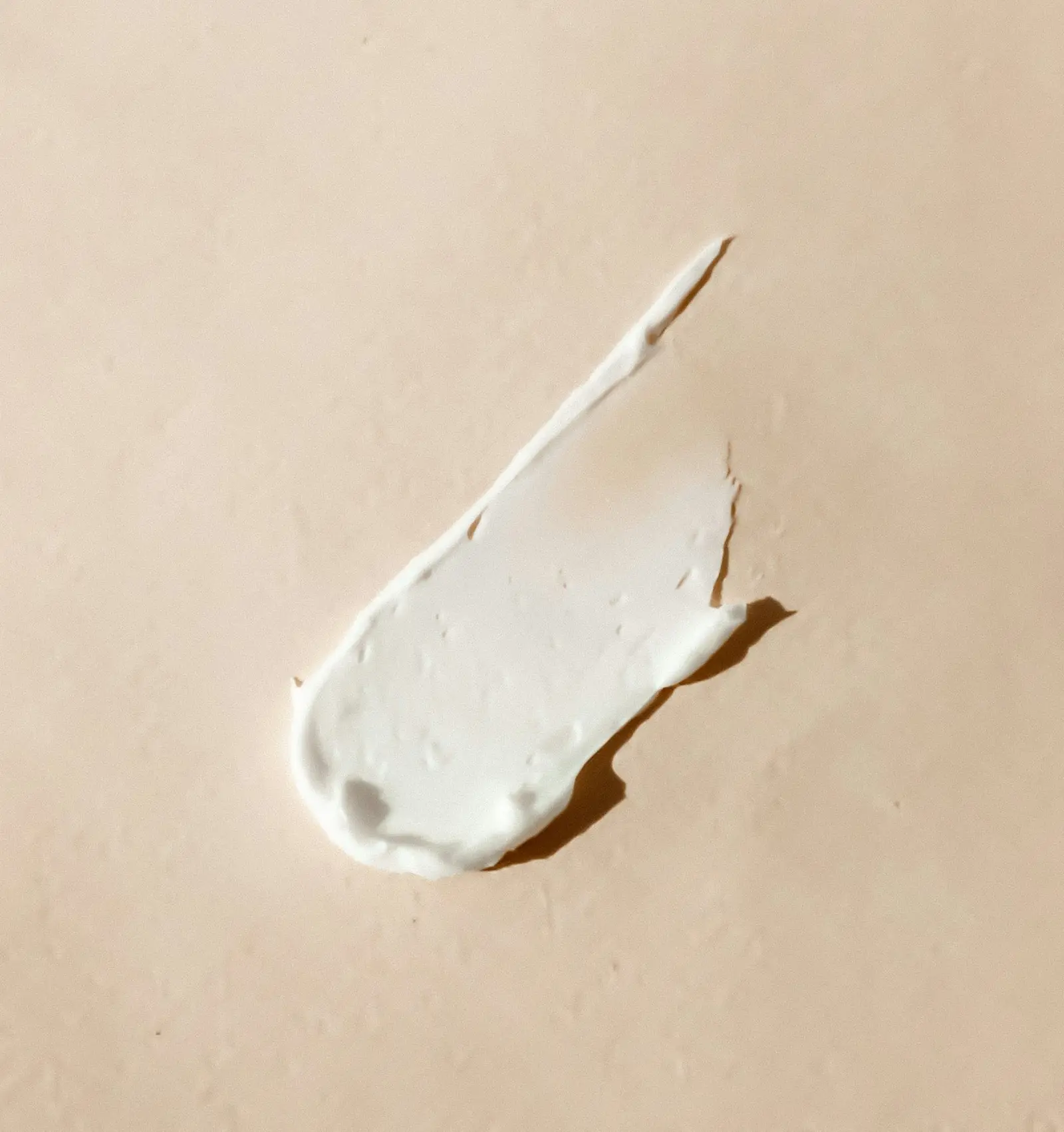
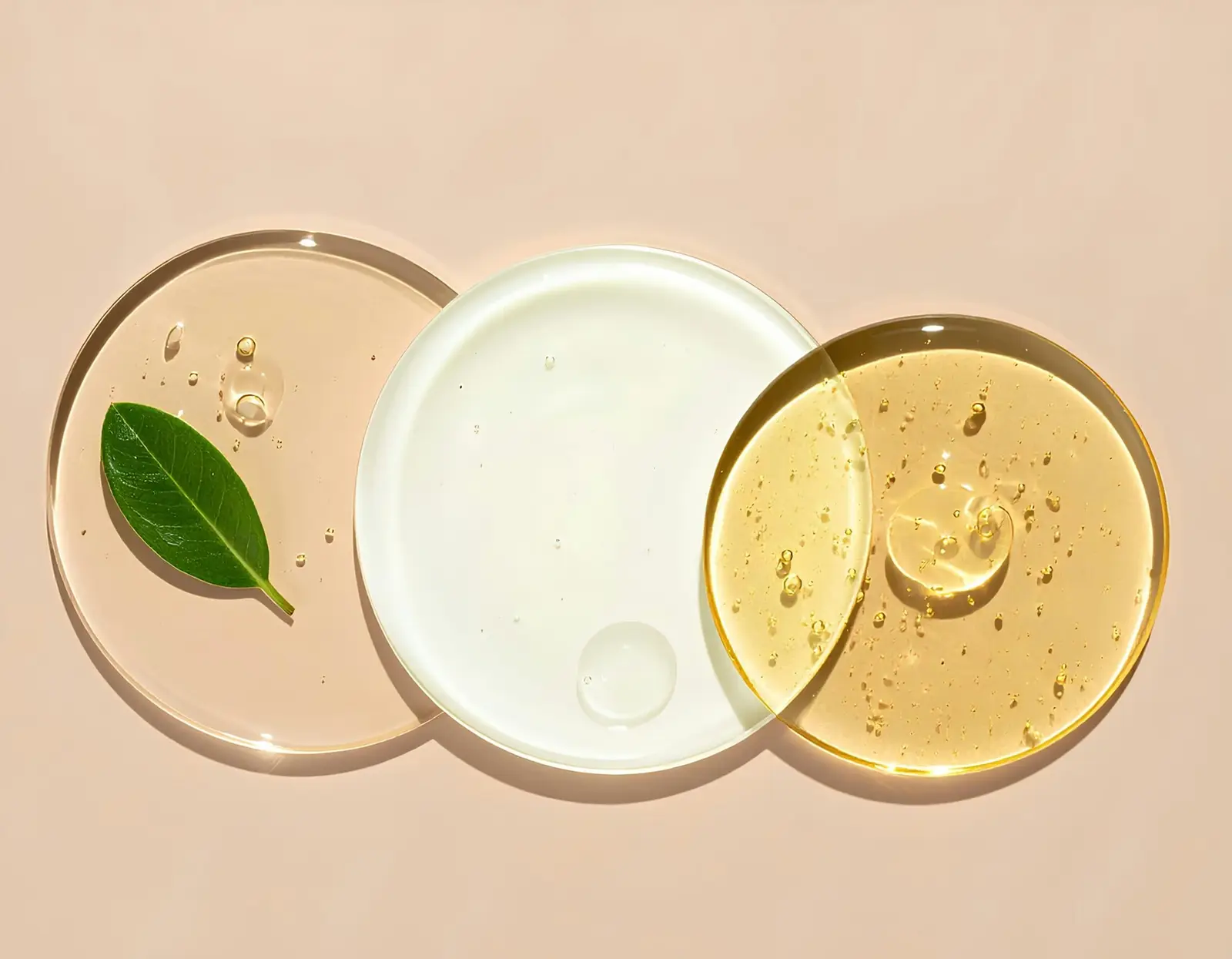
Different images, labels and starting position.
Files: sections/before-after.liquid
| Setting | Type | Notes |
|---|---|---|
| Small line above the heading | text | |
| Heading | text | |
| Text | richtext | |
| Left image | image_picker | |
| Left image description (alt text) | text | |
| Left label | text | |
| Right image | image_picker | Use the same crop and size as the left image. |
| Right image description (alt text) | text | |
| Right label | text | |
| Divider starts at | range | |
| Sample label | text | Shown beside the caption. Required for stock or illustrative images. |
| Caption | text | |
| Slider name for screen readers | text |
Two serums
Divider starts at 30%, with different images and labels.
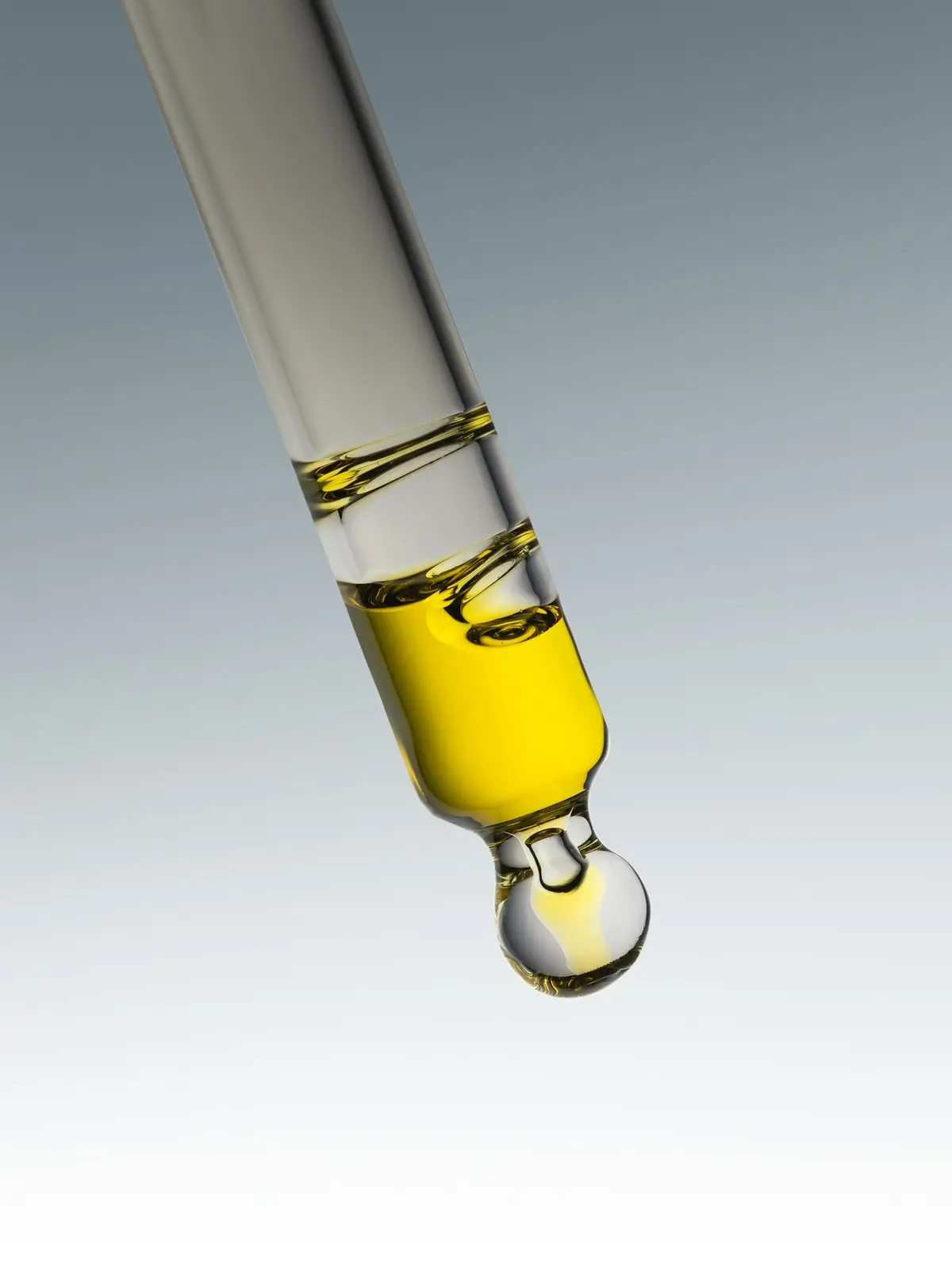
Reads product metafields and metaobjects: key actives with % and what each does, pH or a pH note, a caution line and the full INCI list. Blank fields are skipped; with no data the section renders nothing.
Files: sections/ingredient-table.liquid
| Setting | Type | Notes |
|---|---|---|
| Product | product | Leave empty on product pages to use the product being viewed. |
| Small line above the heading | text | |
| Heading | text | [product] becomes the product title. |
| Text | richtext | |
| Show the full INCI list | checkbox | |
| Show pH | checkbox | |
| Footnote | text | |
| Actives table title | text | |
| Ingredient column | text | |
| Amount column | text | |
| Role column | text | |
| When no % is given | text | |
| Size | text | |
| Caution | text | |
| INCI heading | text |
Full formula
| Ingredient | Amount | What it does here |
|---|---|---|
| Niacinamide | 10% | Vitamin B3; steadies oil and evens the look of tone |
| Zinc PCA | 1% | Takes the edge off midday shine |
| Sodium Hyaluronate | 0.1% | Holds water without a sticky film |
Aqua (Water), Niacinamide, Pentylene Glycol, Zinc PCA, Glycerin, Tamarindus Indica Seed Gum, Xanthan Gum, Sodium Hyaluronate, Phenoxyethanol, Chlorphenesin
Percentages are by weight. This is a concept formula: it has not been manufactured or tested.
An oil serum with no pH: the pH note metafield takes its place, and the caution line appears.
Files: sections/ingredient-table.liquid
| Setting | Type | Notes |
|---|---|---|
| Product | product | Leave empty on product pages to use the product being viewed. |
| Small line above the heading | text | |
| Heading | text | [product] becomes the product title. |
| Text | richtext | |
| Show the full INCI list | checkbox | |
| Show pH | checkbox | |
| Footnote | text | |
| Actives table title | text | |
| Ingredient column | text | |
| Amount column | text | |
| Role column | text | |
| When no % is given | text | |
| Size | text | |
| Caution | text | |
| INCI heading | text |
Full formula
| Ingredient | Amount | What it does here |
|---|---|---|
| Retinal | 0.05% | A vitamin A form one step closer to retinoic acid than retinol |
| Squalane | 40% | The oil base; no water, which keeps retinal stable |
| Bisabolol | 0.2% | Keeps the serum comfortable while skin adjusts |
Squalane, Caprylic/Capric Triglyceride, Simmondsia Chinensis (Jojoba) Seed Oil, Helianthus Annuus (Sunflower) Seed Oil, Retinal, Bisabolol, Tocopherol, Rosmarinus Officinalis (Rosemary) Leaf Extract
Percentages are by weight. This is a concept formula: it has not been manufactured or tested.
A gauge-style progress bar for the free-shipping threshold. It reads /cart.js and updates on every cart change, announced politely to screen readers. The same snippet sits in the cart drawer.
Files: sections/shipping-progress.liquid
| Setting | Type | Notes |
|---|---|---|
| Heading | text | |
| Free shipping from (store currency) | number | Match your free-shipping rate in Settings > Shipping and delivery. |
| Message below the threshold | text | [amount] becomes the amount left to spend. |
| Message at the threshold | text |
Your order so far
Add $45.00 for free US shipping
Numbered steps as blocks, for explaining the refill model honestly.
Files: sections/refill-steps.liquid
| Setting | Type | Notes |
|---|---|---|
| Small line above the heading | text | |
| Heading | text | |
| Text | richtext | |
| Link label | text | |
| Link | url |
| Setting | Type | Notes |
|---|---|---|
| Title | text | |
| Text | richtext |
How refills work
Most subscriptions ship every 30 days whether you need a new bottle or not. Ours ship when the last one is a week from empty, at the dose printed on its label.
Bottle size divided by the daily dose on the label. The 150 ml gel cleanser at 2 pumps, morning and night, lasts 62 days.
Day 55 for that cleanser, so it arrives before the last pump. Each product keeps its own clock, so a 40-day sunscreen never waits for a 100-day serum.
Running ahead? Skip one delivery from your account. We email three days before anything ships, with the date and the total.
You pay for a refill on the day it leaves us, not when you sign up.
Product cards with routine step, key active, a day-count gauge and the price inside the add button.
Files: sections/featured-products.liquid
| Setting | Type | Notes |
|---|---|---|
| Small line above the heading | text | |
| Heading | text | |
| Text | richtext | |
| Products | product_list | Pick products here, or leave empty and choose a collection. |
| Collection | collection | |
| Products shown | range | |
| Columns on desktop | select | |
| Link label | text | |
| Link | url |
The range
Cleanse step · AM + PM
For oily or congested skin. Cleans without the squeak.
Key active Sodium Cocoyl Glycinate 8%
62 days
at 2 pumps, AM + PM
Treat step · AM + PM
For shine and visible pores. Water-light, under anything.
Key active Niacinamide 10%
60 days
at 4 drops, AM + PM
Moisturise step · AM + PM
For dry, tight skin. Three ceramides in a rich cream.
Key active Ceramides NP, AP and EOP 1%
62 days
at 0.4 ml, AM + PM
Protect step · AM
Zinc oxide 18%, untinted. The last step every morning.
Key active Zinc Oxide 18%
40 days
at 1/4 tsp, AM
Grouped questions as blocks, using native details and summary.
Files: sections/faq.liquid
| Setting | Type | Notes |
|---|---|---|
| Small line above the heading | text | |
| Heading | text | |
| Text | richtext |
| Setting | Type | Notes |
|---|---|---|
| Heading | text |
| Setting | Type | Notes |
|---|---|---|
| Question | text | |
| Answer | richtext | |
| Open by default | checkbox |
Questions
Seven days before the bottle would run out at the stated dose. We email you three days before it ships.
Choose Skip in the reminder email or under Account > Refills. Nothing is charged for a skipped delivery.
Every entry of the Ingredient metaobject, with links to the products that contain it.
Files: sections/ingredient-glossary.liquid
| Setting | Type | Notes |
|---|---|---|
| Small line above the heading | text | |
| Heading | text | |
| Text | richtext | |
| Found in label | text | |
| Good to know label | text | |
| Text when there are no entries | text |
Glossary
Vitamin B3. In a serum it steadies how oily skin looks through the day and evens the look of tone. Works at pH 5 to 7, so it pairs with almost anything.
Good to know Some people flush at 10% at first; using it once a day for a week helps.
Found in Niacinamide 10 Serum
Zinc bound to PCA, a molecule skin makes itself. Used beside niacinamide to take the edge off midday shine.
Found in Niacinamide 10 Serum
An alpha hydroxy acid. It loosens the bonds between dead skin cells so they shed more evenly, which is why texture feels smoother. Larger than glycolic acid, so it works more slowly and gently.
Good to know Raises sun sensitivity: wear sunscreen the next morning.
Found in Lactic 5 Toner
A dicarboxylic acid from grains. At 10% in a gel it evens the look of redness and the marks spots leave behind.
Good to know Tingling in the first two weeks is common and usually fades.
Found in Azelaic 10 Gel
A vitamin A form one step closer to retinoic acid than retinol, so it is used at lower strengths. For fine lines and texture.
Good to know Build up over four weeks and wear sunscreen daily. Avoid during pregnancy or breastfeeding.
Found in Retinal 0.05 Night Serum
Vitamin C bound to glucose. Far more stable than pure ascorbic acid and comfortable at pH 6. Evens the look of tone over time.
Found in Vitamin C Glucoside 12 Serum
A plant antioxidant often paired with vitamin C and E in morning serums.
Found in Vitamin C Glucoside 12 Serum
Lipids of the same types found between skin cells. In a cream with cholesterol they leave dry skin feeling less tight.
Found in Ceramide Barrier Cream
One of the three lipid types between skin cells, alongside ceramides and fatty acids. Used with ceramides rather than alone.
Found in Ceramide Barrier Cream
A stable, light oil that resembles an oil skin makes. Spreads thin and doesn't feel greasy. Ours is plant-derived.
Found in Oat Cream Cleanser, Retinal 0.05 Night Serum, Water Gel Moisturiser, Mineral Sunscreen SPF 30
A humectant: it draws water into the outer layer of skin. One of the most studied moisturising ingredients there is.
Found in Oat Cream Cleanser, Water Gel Moisturiser
Pro-vitamin B5. Holds water and leaves skin feeling comfortable after cleansing or acids.
Found in Low-Foam Gel Cleanser, Lactic 5 Toner
The salt form of hyaluronic acid. Holds water at the surface without a sticky film.
Found in Niacinamide 10 Serum
A mineral UV filter that covers both UVA and UVB. Can leave a white cast on deeper skin tones until it settles.
Good to know Oftly's SPF figure is illustrative and untested: this is a concept product.
Found in Mineral Sunscreen SPF 30
The main component of chamomile oil, used in small amounts to keep stronger formulas comfortable.
Found in Azelaic 10 Gel, Retinal 0.05 Night Serum
An amino-acid cleanser made from coconut fatty acids and glycine. Lifts oil with less foam and a less tight finish than sulfates.
Found in Low-Foam Gel Cleanser